1
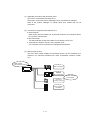
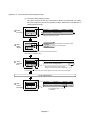
(4) Restrictions and setting positions when using this function
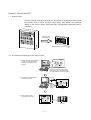
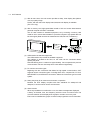
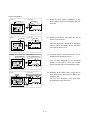
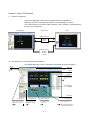
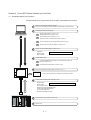
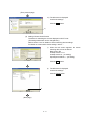
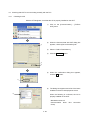
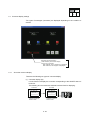
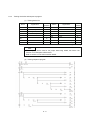
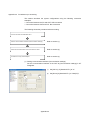
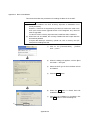
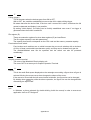
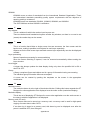
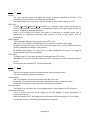
Only one set device and its device name can be monitored for each project.
Although an alarm history display function can be set for each object in each base
screen, the device being monitored is all the same.
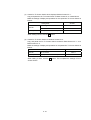
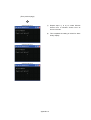
Monitor device
(Common settings
for all alarm historial
datas)
X0: ON
X1: ON
X2: ON
X3: ON
X4: ON
X5: ON
X6: ON
X7: ON
X8: ON
Alarm history
Alarm history of X0
Alarm history of X1
Alarm history of X2
Alarm history
Alarm history of X3
Alarm history of X4
Alarm history
Alarm history of X5
Alarm history of X6
Alarm history of X7
Alarm history of X8
Base screen No. 1
Base screen No. 2
Base screen No. 3
Different settings for the number of row and frame color are available for each alarm history.
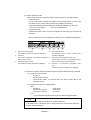
(5) Collecting and holding alarm history data
(a) Collecting alarm history data
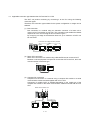
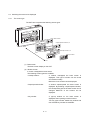
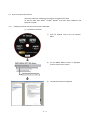
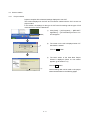
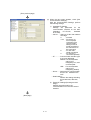
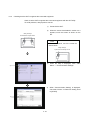
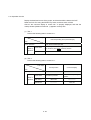
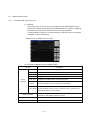
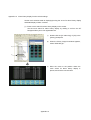
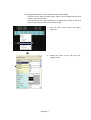
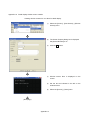
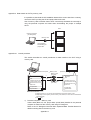
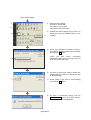
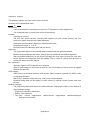
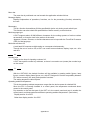
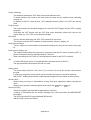
The GOT collects alarm history data at any time and saves the data in the
GOT.
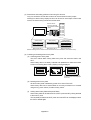
Alarm history data is constantly collected and updated even while the monitor
screen not including alarm history display is being displayed.
AAA BBB CCC
AAA BBB CCC
No. 25
D1 10
D2 20
Switch to another screen
AAA BBB CCC
AAA BBB CCC
AAA BBB CCC
The alarm data updated while
the other screen was displayed
are shown.
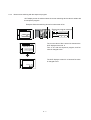
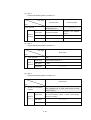
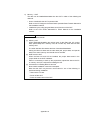
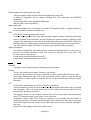
(b) Deleting alarm history data
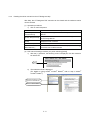
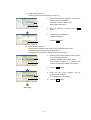
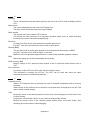
All alarm history data is deleted by power-off or reset of the GOT.
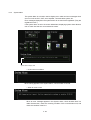
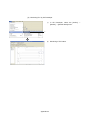
Alarm history data can be cleared either on a one-by-one basis or in a bundle
using the key (touch switch) for alarm history switch.
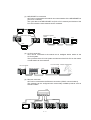
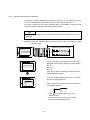
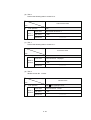
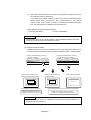
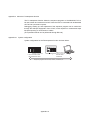
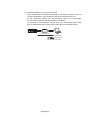
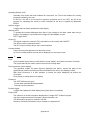
(c) Holding alarm history data under power failure
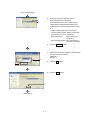
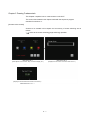
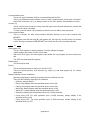
Alarm history data can be held even if the GOT is powered off by saving the data
to the memory card.
The last state just before the GOT power is turned OFF can be displayed when
the GOT is started again.
Appendix 5