1
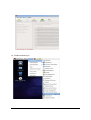
5.2.4 View user’s desktop
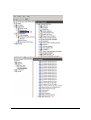
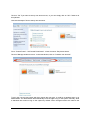
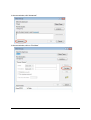
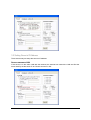
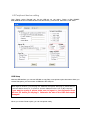
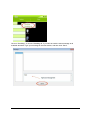
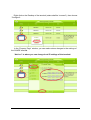
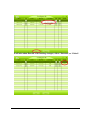
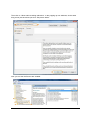
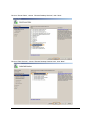
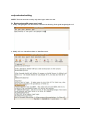
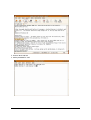
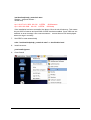
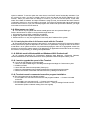
In the NetPoint Manager Console, when you move mouse on the “Desktop” column of the user, the
user’s desktop will show. See picture below:
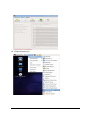
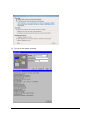
5.2.5 Information
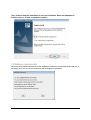
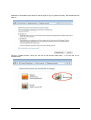
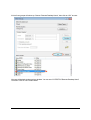
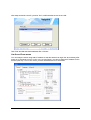
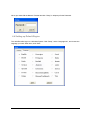
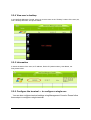
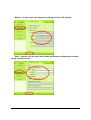
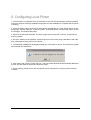
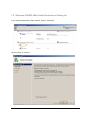
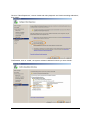
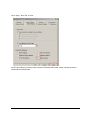
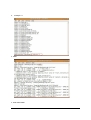
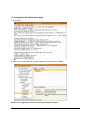
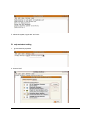
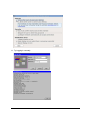
It shows the status of the user, its IP address, Device ID (serial number), User Name, etc.
See picture below:
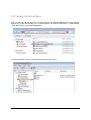
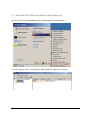
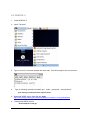
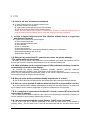
5.2.6 Configure the terminal --- to configure a single one
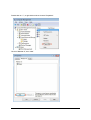
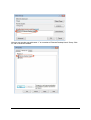
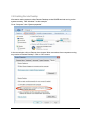
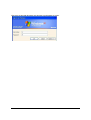
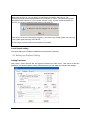
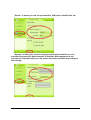
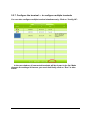
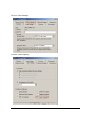
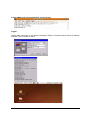
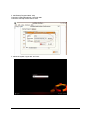
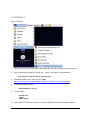
You can also configure terminal settings using Management Console. Please follow
these steps to configure a single terminal:
40