1
7.0 USER PARAMETERS
The parameters are set to customise the scale to suit the weighing applications. You
need to enter a secure menu by entering a password when requested.
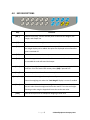
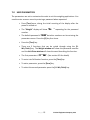
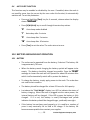
• Press [Tare] once, during the initial counting of the display after the
power is turned on.
• The “Weight” display will show "PIn
number.
" requesting for the password
• The default password is "0000" but other numbers can be set using the
parameter menus. Press the [0] key four times.
• Press the [Tare] key.
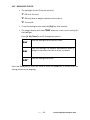
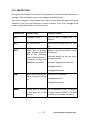
• There are 3 functions that can be cycled through using the [U.
Wt./Units] key. The Weight window will show the parameter number
and the Unit Price window will show the word describing the function.
• The first parameter is “F1” “CAL”. (See section 8.0 for details)
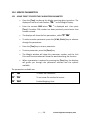
• To enter into Calibration function, press the [Tare] key.
• To exit a parameter, press the [Zero] key.
• To select the second parameter press the [U. Wt./Units] key.
Page
15
© Adam Equipment Company 2010