1
NVR Client Manual
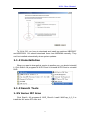
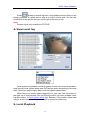
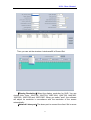
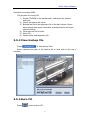
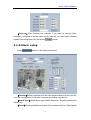
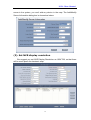
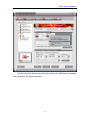
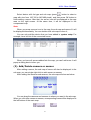
Then, you can single-right-click in the sub map area to delete camera or
sensor.
(3). Modify/Delete device/Clear all device
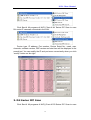
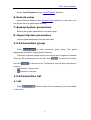
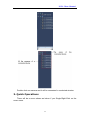
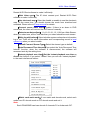
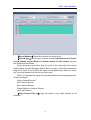
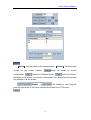
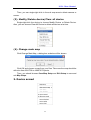
Single-right-click the device to choose Modify Device or Delete Device.
Also, you can choose Clear All Device to delete all devices at a time.
(4). Change main map
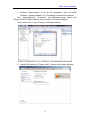
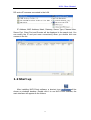
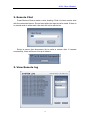
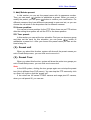
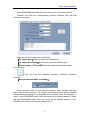
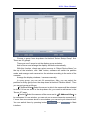
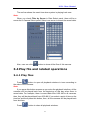
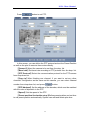
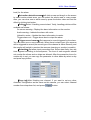
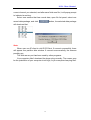
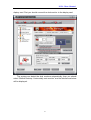
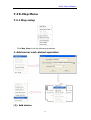
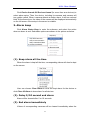
Click Change Main Map, a dialog box as below will be shown:
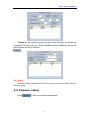
Click OK and choose a map from your files. Take care the map should be
with size from1024*768 to 4096*3072 pixels.
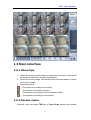
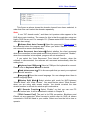
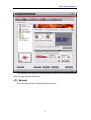
Then, you should choose Save Map Setup and Exit Setup to save and
exit Map Setup.
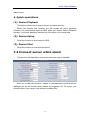
2. Device armed
88