1
Client Configuration
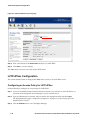
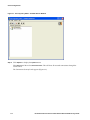
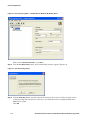
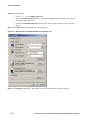
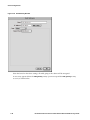
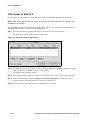
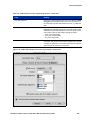
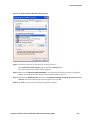
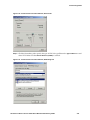
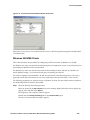
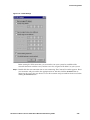
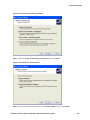
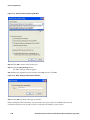
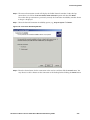
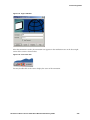
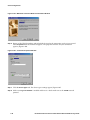
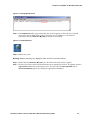
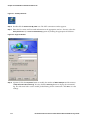
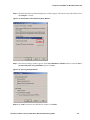
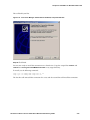
Figure 3-1. Security Policy Editor œ SafeNet Remote Window
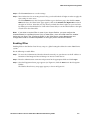
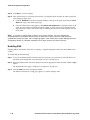
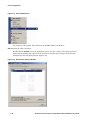
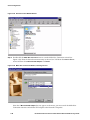
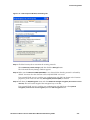
Step 2. Click Options to display the Options menu.
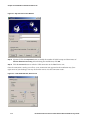
Select Secure and then select All Connections. This will force all network connections through the
secure tunnel.
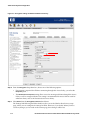
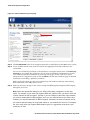
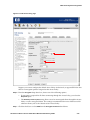
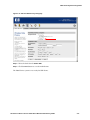
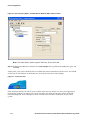
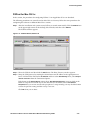
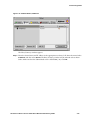
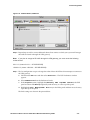
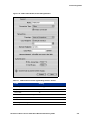
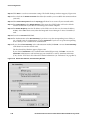
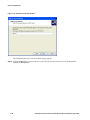
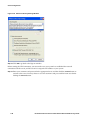
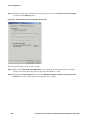
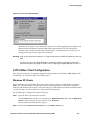
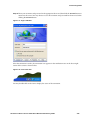
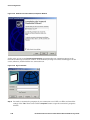
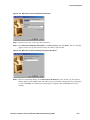
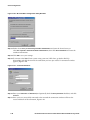
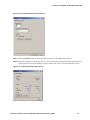
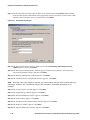
The Connection Security Panel appears (Figure 3-2).
3-2
HP ProCurve Secure Access 700wl Series Wireless Data Privacy Guide