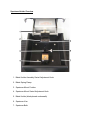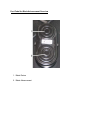
1
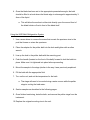
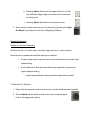
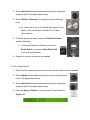
5. After pressing the Option 3 Button to move the stage
into position for the cut, press the Front Foot Pedal to
advance the knife and begin sectioning.
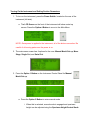
a. When the foot pedal has been pressed, and serial
sectioning is in progress, stop the
sectioning by pressing the Option 4
Button to stop the sectioning.
i. If the stop option is selected while a cut is in progress, the
instrument will complete cutting the section in progress, and then
return to its original position.
6. Each section to be cut will require the front foot pedal to be pressed, but the
sample stage will automatically move into position after each section is cut.
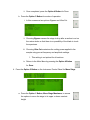
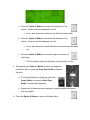
7. Once the sectioning is stopped, press the Option 4 Button to return
to the Main Menu.
Initial Gross Trimming
Prior to sectioning, gross trimming of the specimen top surface with the sectioning blade
to achieve flatness is required.
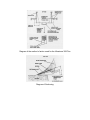
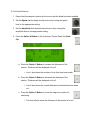
1. The top surface of the specimen should be adjusted to be horizontal by either
tilting the specimen vise or tilting the specimen mounting block.
2. The blade should be advanced to the specimen, and stopped before making a
cut so that the height of the specimen can be adjusted to just below the blade
edge.