1
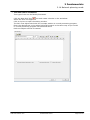
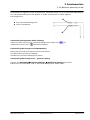
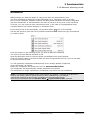
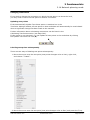
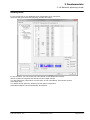
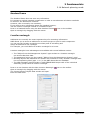
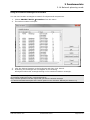
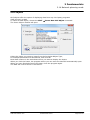
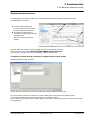
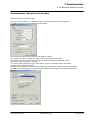
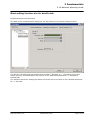
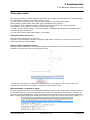
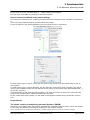
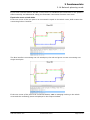
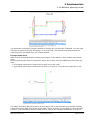
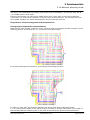
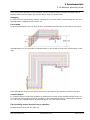
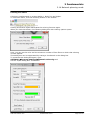
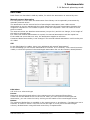
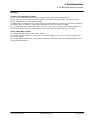
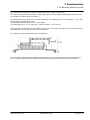
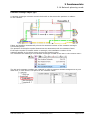
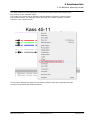
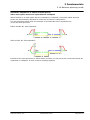
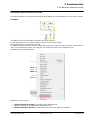
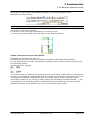
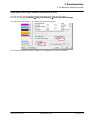
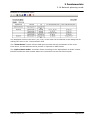
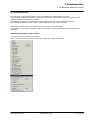
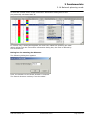
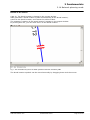
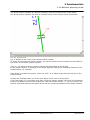
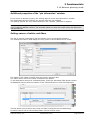
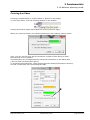
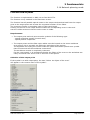
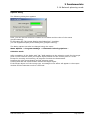
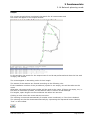
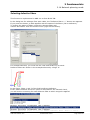
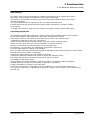
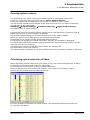
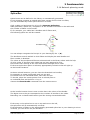
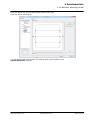
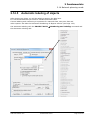
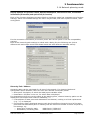
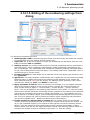
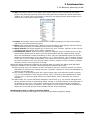
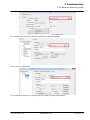
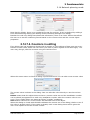
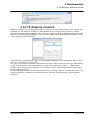
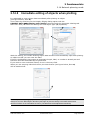
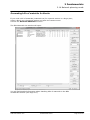
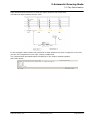
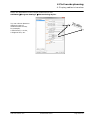
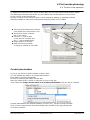
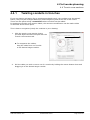
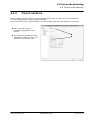
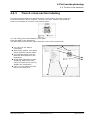
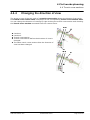
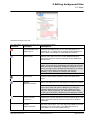
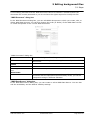
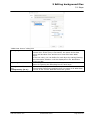
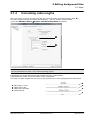
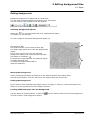
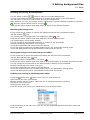
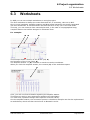
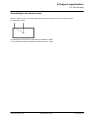
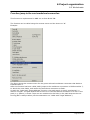
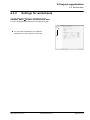
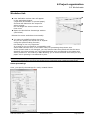
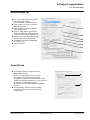
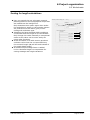
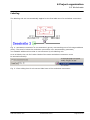
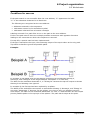
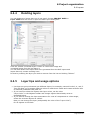
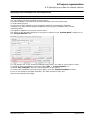
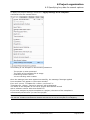
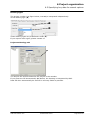
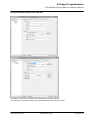
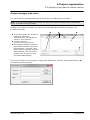
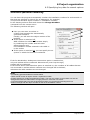
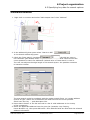
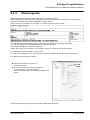
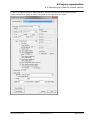
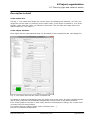
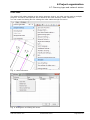
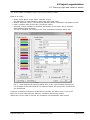
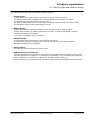
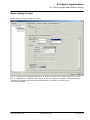
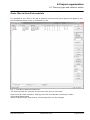
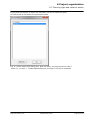
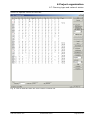
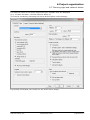
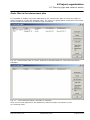
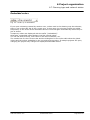
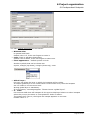
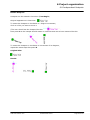
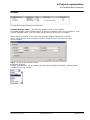
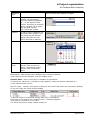
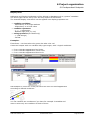
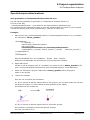
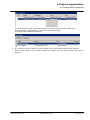
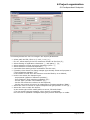
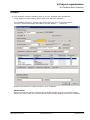
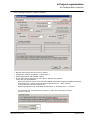
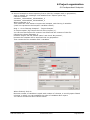
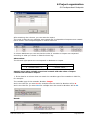
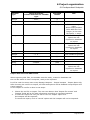
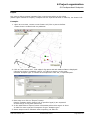
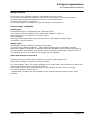
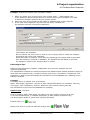
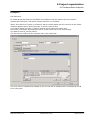
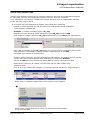
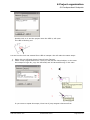
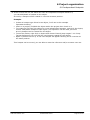
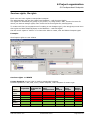
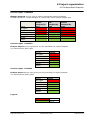
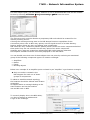
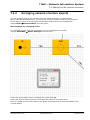
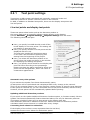
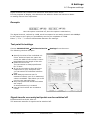
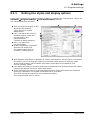
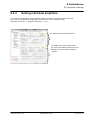
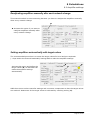
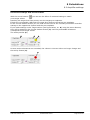
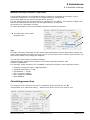
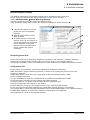
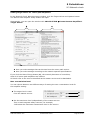
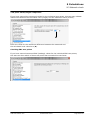
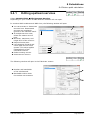
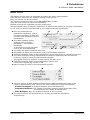
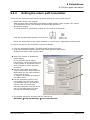
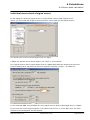
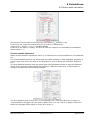
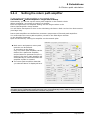
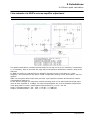
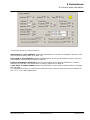
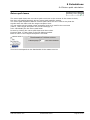
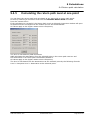
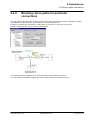
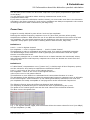
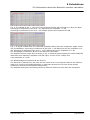
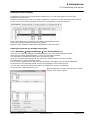
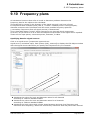
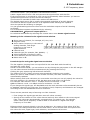
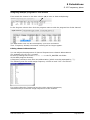
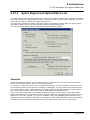
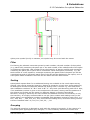
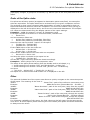
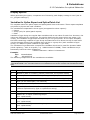
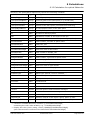
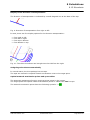
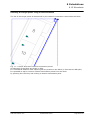
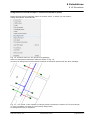
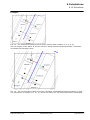
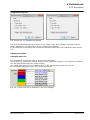
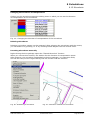
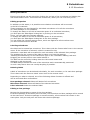
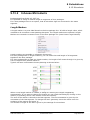
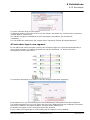
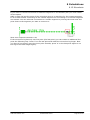
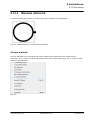
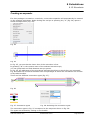
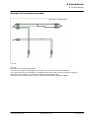
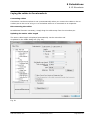
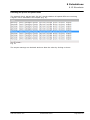
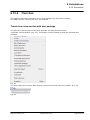
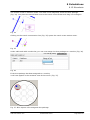
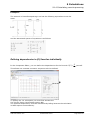
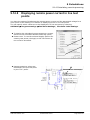
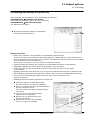
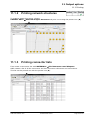
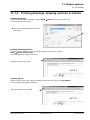
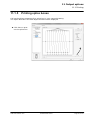
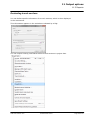
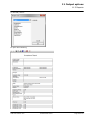
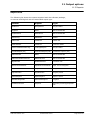
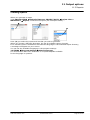
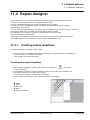
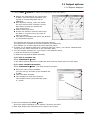
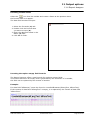
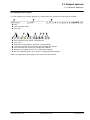
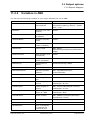
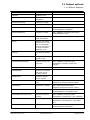
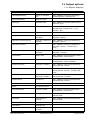
6 Project organization 6.5 Specifying key data for search options 6.5.4 Sheet legends AND distinguishes between static and dynamic sheet legends. Static legends are automatically generated by AND and filled with content from the existing program variables (see Section 11.4.2 on Page 439 ff.). They cannot be changed. An example of a sheet legend is given below: You can generate and adapt dynamic legends individually using report templates. You can generate these templates with the Report Designer (see Report Designer, Locations manual). Please note that only the data in the header section is used for the sheet legend. The contents of other sections are ignored. To make the settings for the sheet legend, click the worksheet legend of the worksheet. The Edit Object window will open: Choose this option to switch to dynamic legends. If you have selected dynamic legends, you can select a report template from a list and even edit it with the Report Designer. These settings also apply to the currently displayed worksheet. AND Client Manual IV/C © AND Solution GmbH Page 231 of 452