1
User Manual of Network Video Recorder
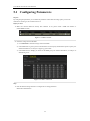
14.3 Configuring Video Parameters
Steps:
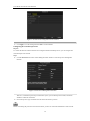
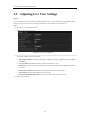
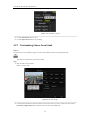
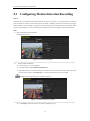
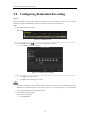
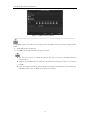
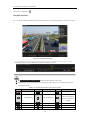
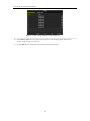
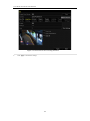
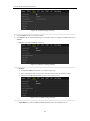
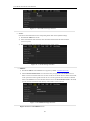
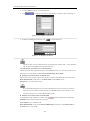
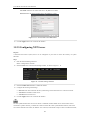
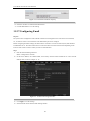
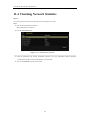
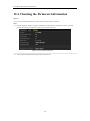
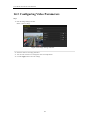
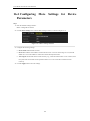
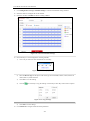
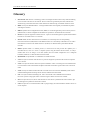
1. Enter the Image Settings interface.
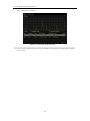
Menu > Camera >Image
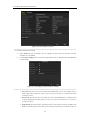
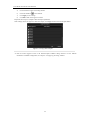
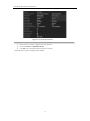
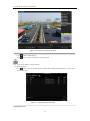
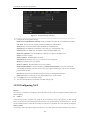
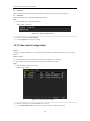
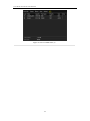
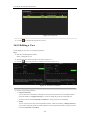
Figure 14. 4 Image Settings Interface
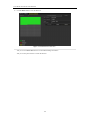
2. Select the camera to set image parameters.
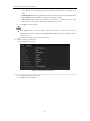
3. You can click on the arrow to change the value of each parameter.
4. Click the Apply button to save the settings.
183