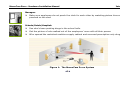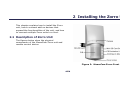
1
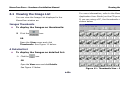
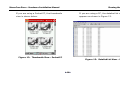
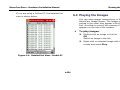
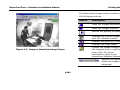
MemoCam Zorro - Hardware Installation Manual Viewing the Images If you are using a Pocket PC, the detailed list view is shown below. 6.2 Playing the Images You can view images consecutively in the MemoCam Image Viewer. The images are played in the order they appear in the Image List. A toolbar to control the viewing of images appears on the top of the window. To play images: Double-click an image in the list. OR Select an image in the list. Right-click on selected image with the mouse and select Play. Figure 14: Detailed List View – Pocket PC 45