1
Packaging Applications
Appeon for PowerBuilder 2013
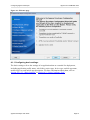
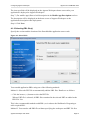
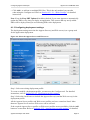
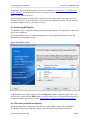
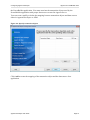
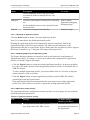
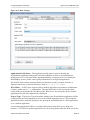
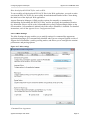
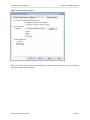
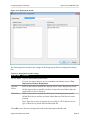
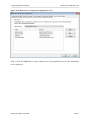
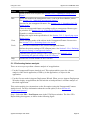
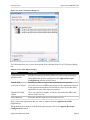
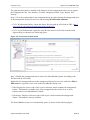
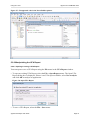
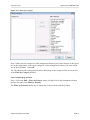
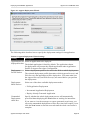
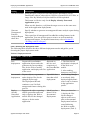
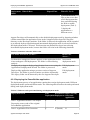
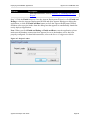
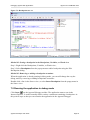
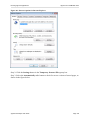
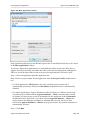
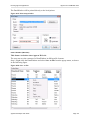
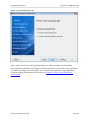
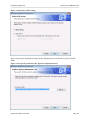
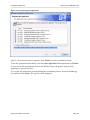
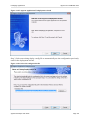
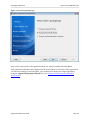
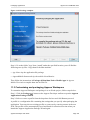
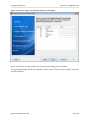
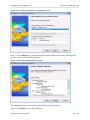
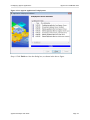
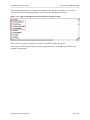
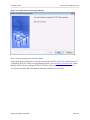
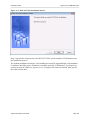
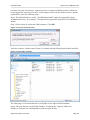
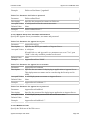
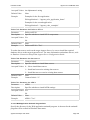
Figure 11.23: Deploying the application
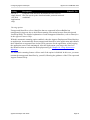
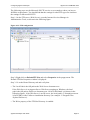
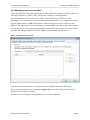
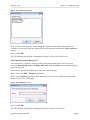
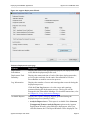
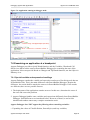
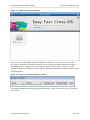
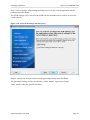
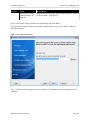
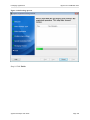
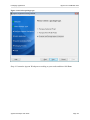
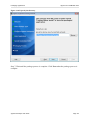
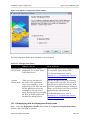
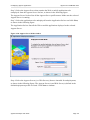
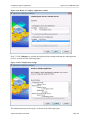
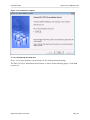
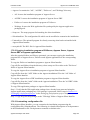
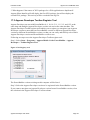
Step 12: Once the operation is complete, click Finish to exit the installation wizard.
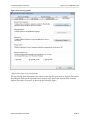
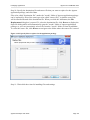
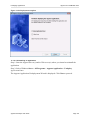
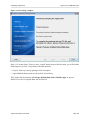
To run the application immediately, select the Run Application Now option and click Finish.
Or you can run the application later from the Windows Start | Programs | Appeon Web
Application | ApplicationName.
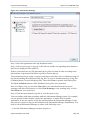
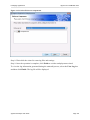
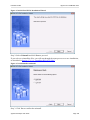
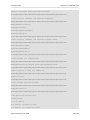
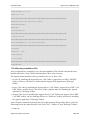
To view the log information generated during the installation process, select the View Log
box and then click Finish. The log file will be displayed.
Appeon Developer User Guide
Page 144