1
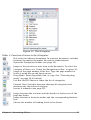
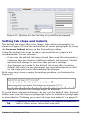
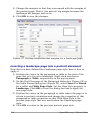
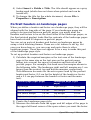
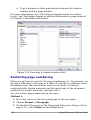
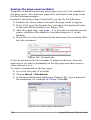
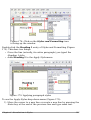
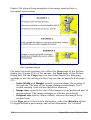
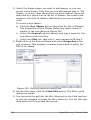
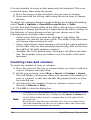
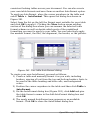
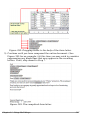
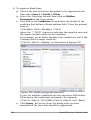
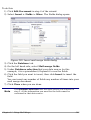
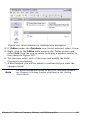
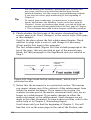
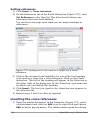
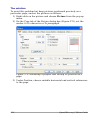
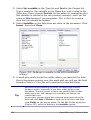
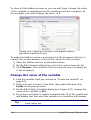
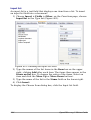
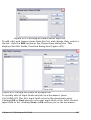
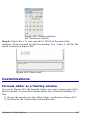
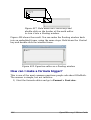
4) Select Insert > Fields > Title. The title should appear on a gray
background (which does not show when printed and can be
turned off).
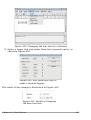
5) To change the title for the whole document, choose File >
Properties > Description.
Portrait headers on landscape pages
When you define a header and footer on a landscape page, they will be
aligned with the long side of the page. If your landscape pages are
going to be inserted between portrait pages, you might want the
headers and footers to be on the short sides of the landscape pages, so
the final printed product looks like the contents of the landscape pages
have been rotated 90 degrees on portrait pages.
You can set up portrait headers and footers on landscape pages by
using a trick involving frames. These are a bit tedious to set up, but
once you have done so, you can copy and paste them to other
landscape pages. There does not appear to be a way to make this part
of the landscape page style.
To set up portrait headers and footers on landscape pages:
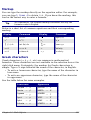
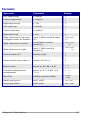
1) Calculate the required margins so the text area of the landscape
page is the same size as the text area on the portrait pages,
taking into account the space for headers and footers on the
portrait pages. For example, this book uses the margins shown in
the following table. The landscape right and left margins are 1 cm
larger than the portrait top and bottom margins, respectively.
This difference accounts for the extra space used by the portrait
header and footer (0.5 cm for the height of the header or footer
and a 0.5 cm gap between the header or footer and the main
text).
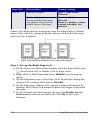
Portrait page (right page)
Landscape page (right
page)
Top margin
1.5 cm
Right margin
2.5 cm
Bottom margin
1.5 cm
Left margin
2.5 cm
Left (inner) margin
2.8 cm
Top margin
2.8 cm
Right (outer) margin
1.8 cm
Bottom margin
1.8 cm
2) Create the Landscape page style.
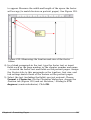
3) Measure the distance from the upper and left edges of the page to
the upper left-hand corner of the space where you want the footer
144
OpenOffice.org 3 Writer Guide