1
My Items (M 6)
My Items contains several types of picture, sound and video clip data.
Also included in My Items are frequently used text message phrases
and WAP sites which you can use for downloading. You can also
transmit picture, sound and video clip data via infrared or Bluetooth
wireless technology to OBEX-enabled phones.
Pictures (M 6-1)
Pictures that are taken by a digital camera or images that are
downloaded from mobile Internet sites can be managed. You can
register pictures in the following formats: JPEG, PNG, WBMP and GIF.
Viewing Pictures
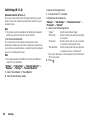
“My Items” → “Pictures”
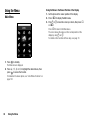
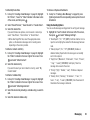
1. Press d to display the list from the memory card and c to
return to the handset memory.
2. Select the file you wish to view.
The selected picture is displayed.
Using Images as Wallpaper
“My Items” → “Pictures”
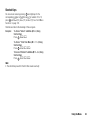
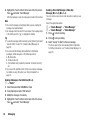
1. Highlight the file you wish to use as wallpaper.
Saving an Image to Contacts List Entries
You can use this option only for pictures saved in the handset
memory.
“My Items” → “Pictures”
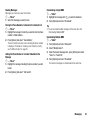
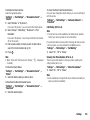
1. Highlight the file you wish to add to Contacts List.
2. Press [Options] and select “Add to Contact”.
To overwrite, select the data you wish to save.
To save as a new entry, select “As New Contact”.
For details on entering a name, see “Add New Contact” on page
35.
Editing Pictures
“My Items” → “Pictures”
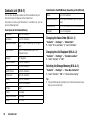
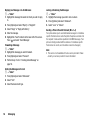
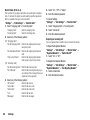
1. Highlight the file you wish to edit.
2. Press [Options] and select “Picture Editor”.
3. Select the desired option.
Note
• “Picture Editor” may not be available depending on the original
picture and copyright issued.
2. Press [Options] and select “Set as Wallpaper”.
My Items
65