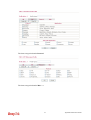
1
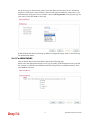
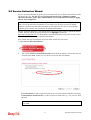
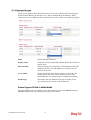
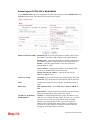
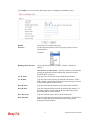
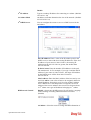
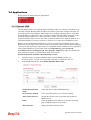
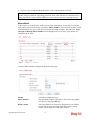
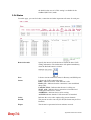
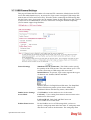
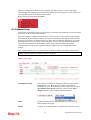
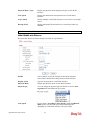
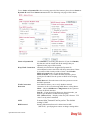
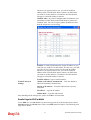
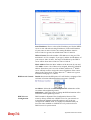
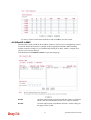
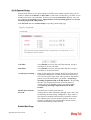
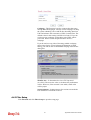
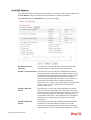
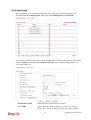
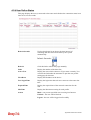
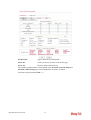
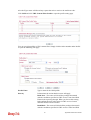
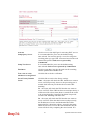
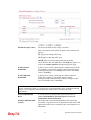
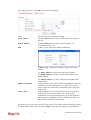
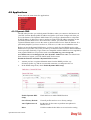
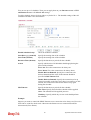
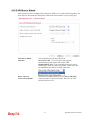
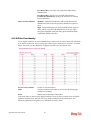
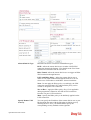
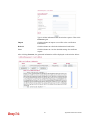
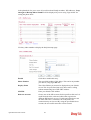
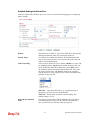
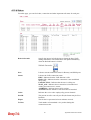
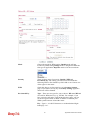
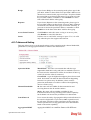
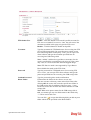
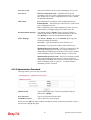
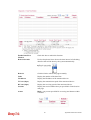
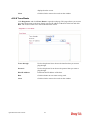
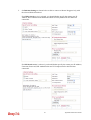
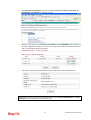
Enable/Disable
Click Enable for activating this function. If you click Disable,
this function will be closed and all the settings that you adjusted
in this page will be invalid.
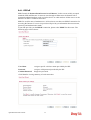
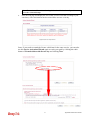
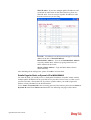
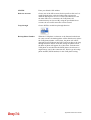
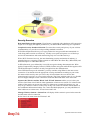
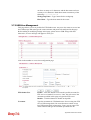
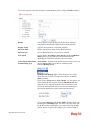
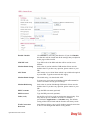
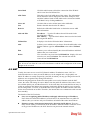
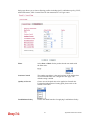
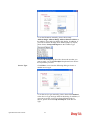
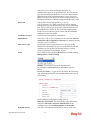
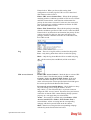
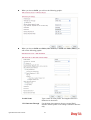
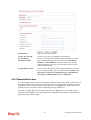
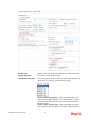
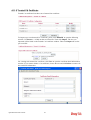
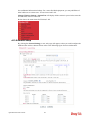
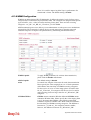
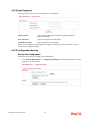
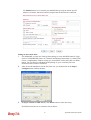
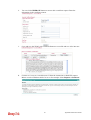
ISP Access Setup
Enter your allocated username, password and authentication
parameters according to the information provided by your ISP.
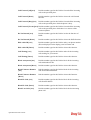
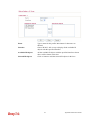
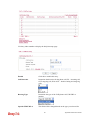
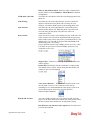
Username – Type in the username provided by ISP in this
field.
Password – Type in the password provided by ISP in this field.
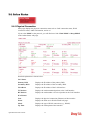
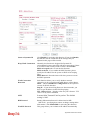
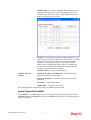
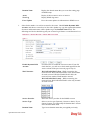
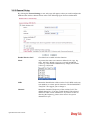
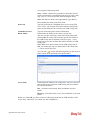
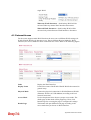
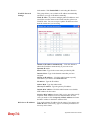
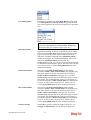
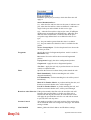
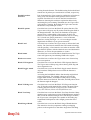
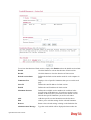
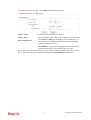
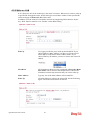
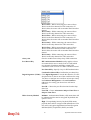
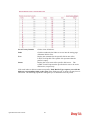
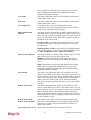
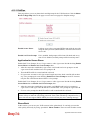
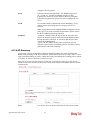
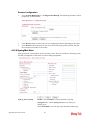
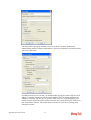
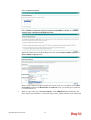
WAN Connection
Detection
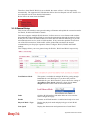
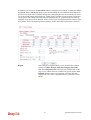
Such function allows you to verify whether network connection
is alive or not through ARP Detect or Ping Detect.
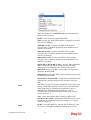
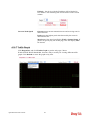
Mode – Choose ARP Detect or Ping Detect for the system to
execute for WAN detection.
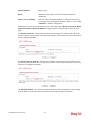
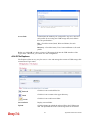
Ping IP – If you choose Ping Detect as detection mode, you
have to type IP address in this field for pinging.
TTL (Time to Live) – Displays value for your reference. TTL
value is set by telnet command.
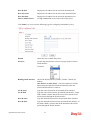
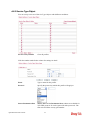
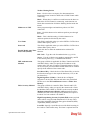
MTU
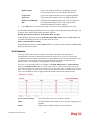
It means Max Transmit Unit for packet. The default setting is
1442.
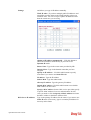
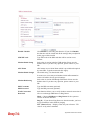
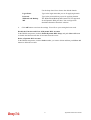
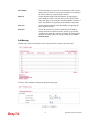
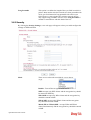
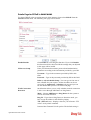
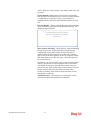
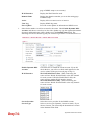
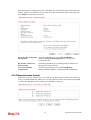
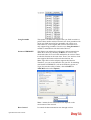
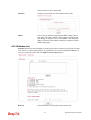
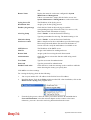
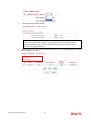
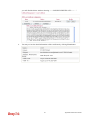
PPP/MP Setup
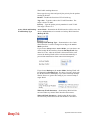
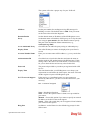
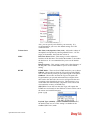
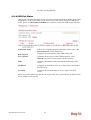
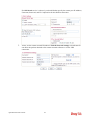
PPP Authentication – Select PAP only or PAP or CHAP for
PPP. If you want to connect to Internet all the time, you can
check Always On.
Idle Timeout – Set the timeout for breaking down the Internet
after passing through the time without any action.
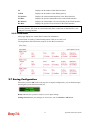
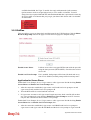
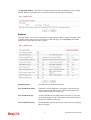
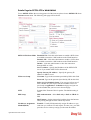
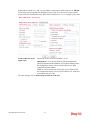
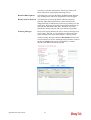
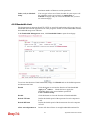
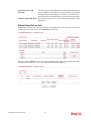
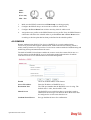
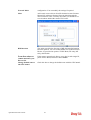
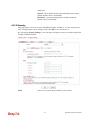
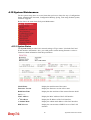
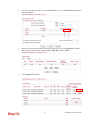
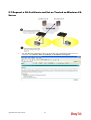
IP Address Assignment
Method (IPCP)
Usually ISP dynamically assigns IP address to you each time
you connect to it and request. In some case, your ISP provides
service to always assign you the same IP address whenever you
request. In this case, you can fill in this IP address in the Fixed
IP field. Please contact your ISP before you want to use this
function.
39
Vigor2920 Series User’s Guide