1
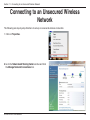
Section 11 - Connecting to an Unsecured Wireless Network
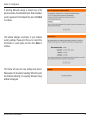
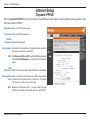
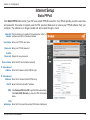
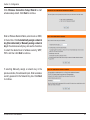
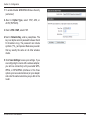
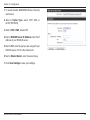
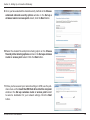
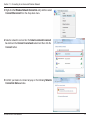
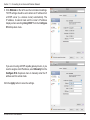
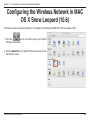
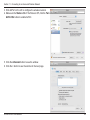
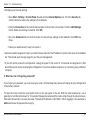
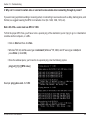
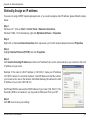
7. Enter the Network Name (SSID) of the Router.
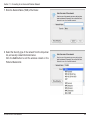
8. Select the Security type of the network from the drop-down
list, and security related information below.
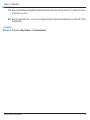
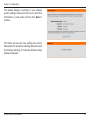
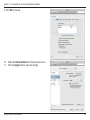
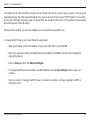
Click the Add button to add the wireless network in the
Preferred Network list.
D-Link DIR-615 User Manual
84