1
Page 3
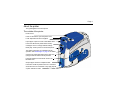
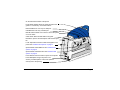
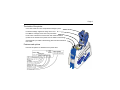
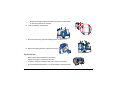
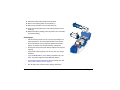
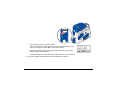
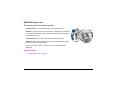
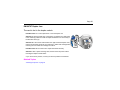
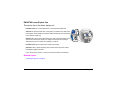
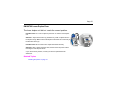
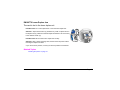
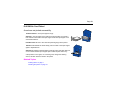
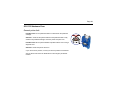
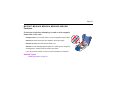
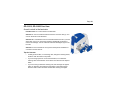
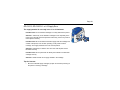
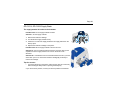
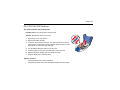
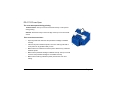
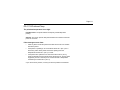
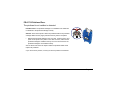
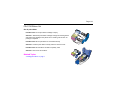
The inside of the printer
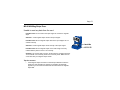
Cover Arm: Holds the cover and printhead cartridge in place.
Printhead Cartridge: Applies the image to the card.
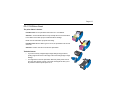
Print Ribbon Cartridge, shown with color print ribbon.
Printer Label: Includes the serial number and model information
(located on the left side of the printer and not visible in this drawing).
Cleaning Roller (not visible in this drawing): Removes dust and debris
from cards.
Features and options
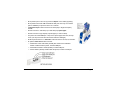
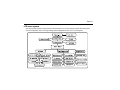
Features and options are identified on the printer label.