1
Image Acquisition Control
AW00015119000
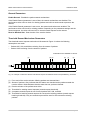
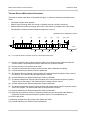
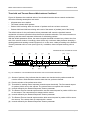
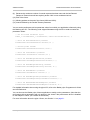
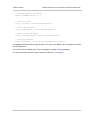
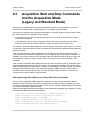
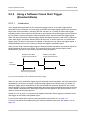
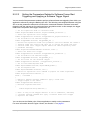
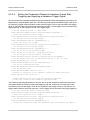
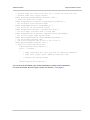
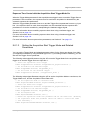
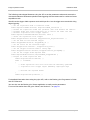
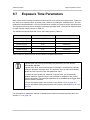
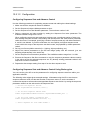
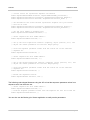
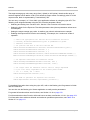
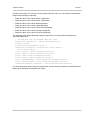
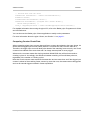
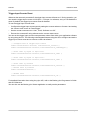
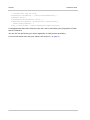
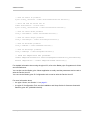
Camera.ExposureTimeAbs.SetValue( 3000 );
Camera.AcquisitionStart.Execute( );
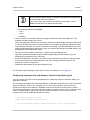
You can also use the Basler pylon Viewer application to easily set the parameters.
For more information about the pylon Viewer, see Section 3.1 on page 31.
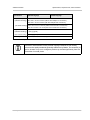
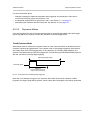
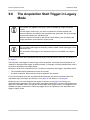
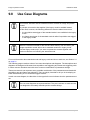
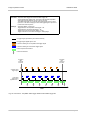
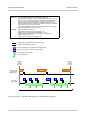
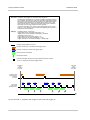
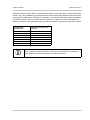
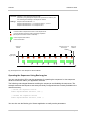
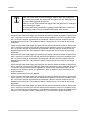
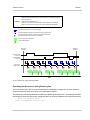
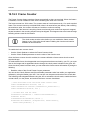
When the camera's acquisition mode is set to single frame, the maximum possible
acquisition frame rate for a given AOI cannot be achieved. This is true because
the camera performs a complete internal setup cycle for each single frame and
because it cannot be operated with "overlapped" exposure.
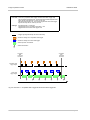
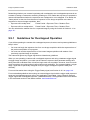
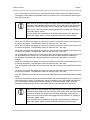
To achieve the maximum possible acquisition frame rate, set the camera for the
continuous acquisition mode and use "overlapped" exposure.
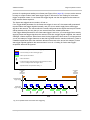
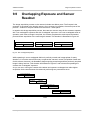
For more information about overlapped exposure, see Section 9.9 on page 143.
98
Basler pilot