1
Section D.2
Disabling Proxy Settings in Your Browser
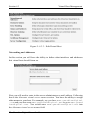
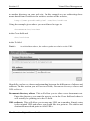
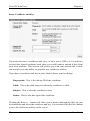
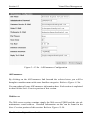
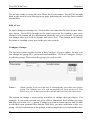
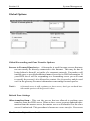
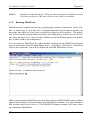
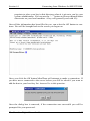
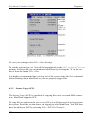
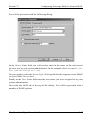
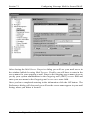
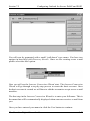
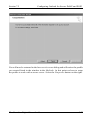
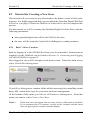
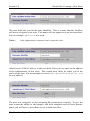
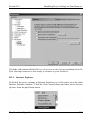
Click the radio button labeled Direct connection to the Internet and then click Ok.
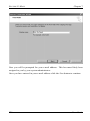
Your Netscape browser is now ready to connect to your Lockbox.
D.2.2 Internet Explorer
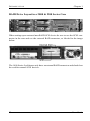
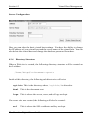
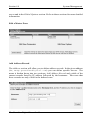
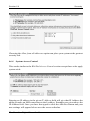
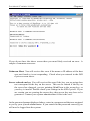
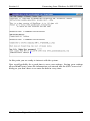
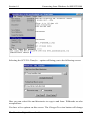
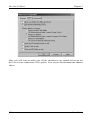
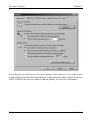
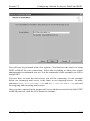
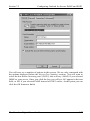
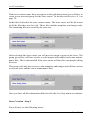
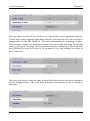
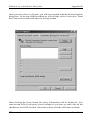
To disable the proxy settings in Internet Explorer you will need to be at the main
Internet Explorer window. Click the Tools menu button and then select Internet
Options from the pull-down menu.
The Guardian Digital Linux Lockbox
231