1
USER GUIDE
5.
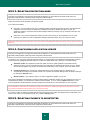
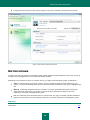
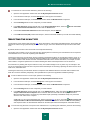
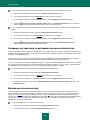
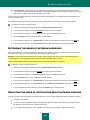
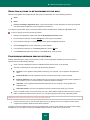
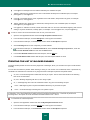
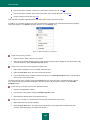
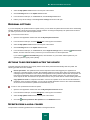
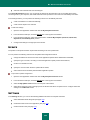
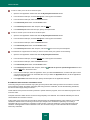
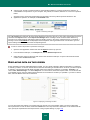
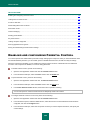
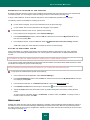
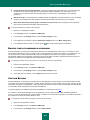
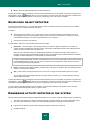
In the window that will open, on the Additional tab, in the Scan technologies block, select the required setting
value.
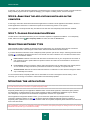
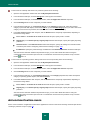
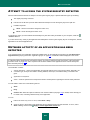
PAUSING THE COMPONENT: CREATING A SCHEDULE
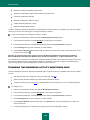
When certain programs which require considerable computer resources are in progress, you can temporarily pause the
operation of the File Anti-Virus component, which allows quicker access to objects. To decrease the load and ensure
quick access to objects, you can set a schedule for disabling the component.
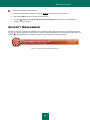
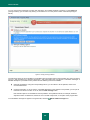
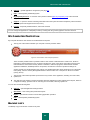
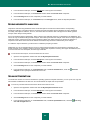
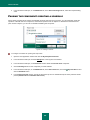
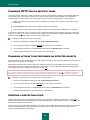
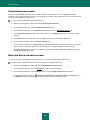
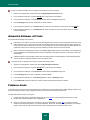
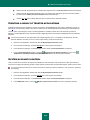
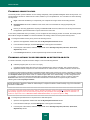
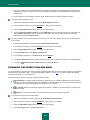
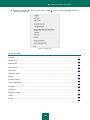
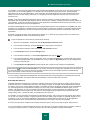
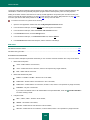
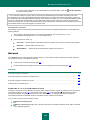
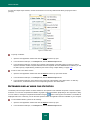
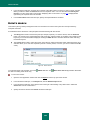
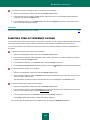
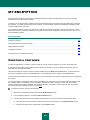
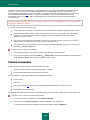
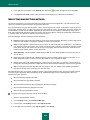
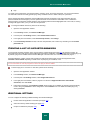
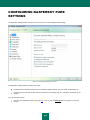
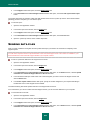
Figure 10. Creating a schedule
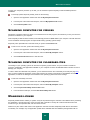
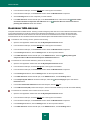
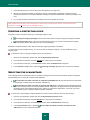
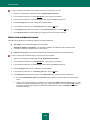
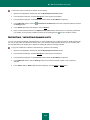
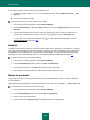
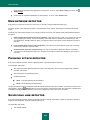
To configure a schedule for pausing the component:
1.
Open the main application window and click the My Computer Protection.
2.
In the window that will open, click the Settings link in the top part of the window.
3.
In the window that will open, in the Protection section select the File Anti-Virus component.
4.
Click the Settings button for the component you have selected.
5.
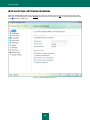
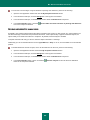
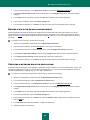
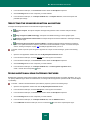
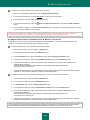
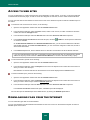
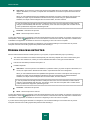
In the window that will open, on the Additional tab, in the Pause task block, check the
click the Schedule button.
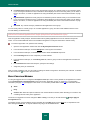
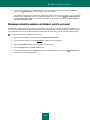
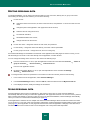
6.
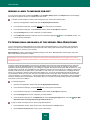
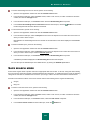
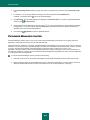
In the Pausing the task window, specify the time period (in 24-hour HH:MM format) for which protection will be
paused (Pause task at and Resume task at fields).
66
By schedule box and