1
Return to the Top page
Remote Control
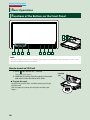
Functions of the Remote Control Buttons
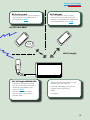
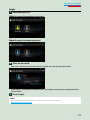
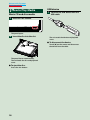
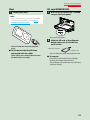
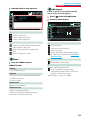
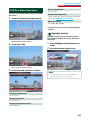
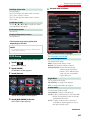
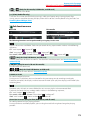
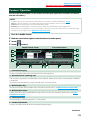
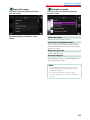
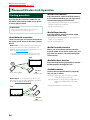
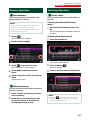
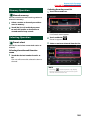
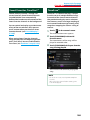
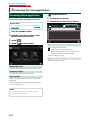
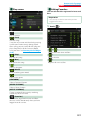
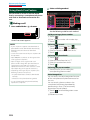
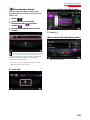
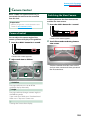
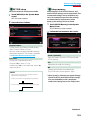
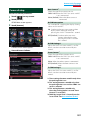
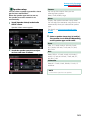
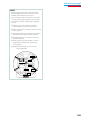
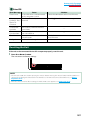
ÑÑSwitching the operation mode
The functions operated from the remote
control differ depending on the position of
the mode switch.
AUD
•
DVD •
TV•
•
NAV
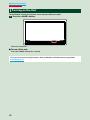
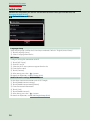
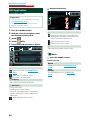
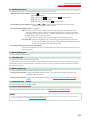
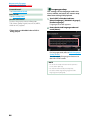
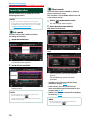
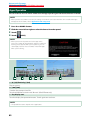
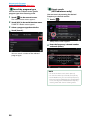
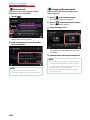
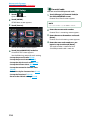
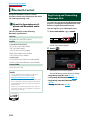
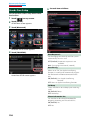
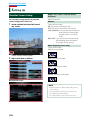
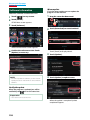
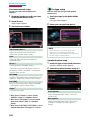
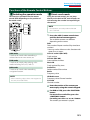
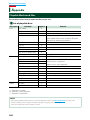
ÑÑDirect search mode
Using the remote control, you can jump
directly to the desired file, track chapter, etc.
with entering the number corresponding to
the content.
NOTE
• This operation cannot be performed for USB
device and iPod.
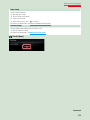
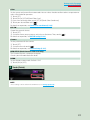
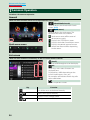
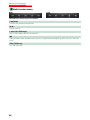
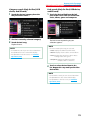
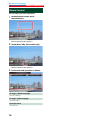
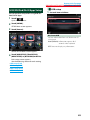
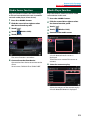
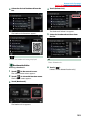
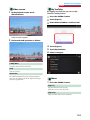
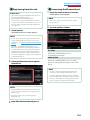
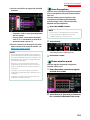
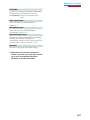
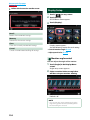
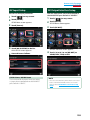
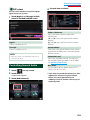
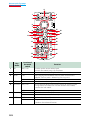
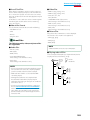
1 Press the <#BS> button several times
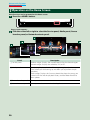
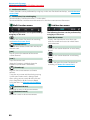
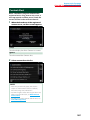
AUD mode
Switch to this mode when controlling a
selected source or tuner source, etc.
DVD mode
Switch to this mode when playing a disc
media including DVD, VCD, and CD.
NAV mode
Switch to this mode when controlling
navigation function.
NOTE
• When controlling a player that is not integrated in
the unit, select “AUD” mode.
until the desired content appears.
The available contents are different
depending on the source.
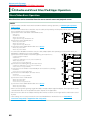
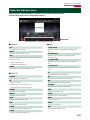
DVD
Title number/Chapter number/Play time/Item
number*
* You may not be able to use this function with
some discs or scenes.
VCD 1.X and 2.X (PBC OFF)
Track number
VCD 2.X (PBC ON)
Scene number/number
Music CD
Track number/Play time
Audio files
Folder number/File number
Radio
Frequency value
HD Radio tuner
Frequency value/Channel number
SiriusXM
Channel number
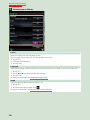
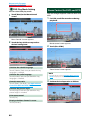
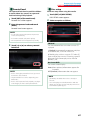
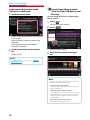
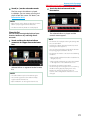
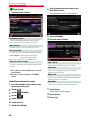
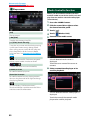
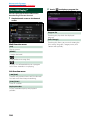
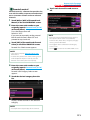
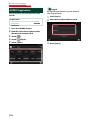
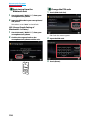
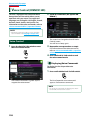
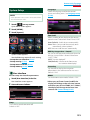
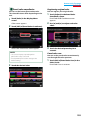
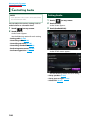
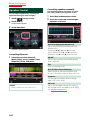
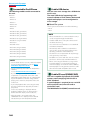
2 Enter the number of the content you
want to play using the numeric keypad.
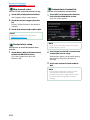
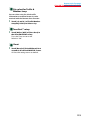
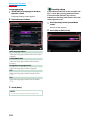
3 For DVD or VCD, press the <POSITION>
button.
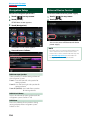
For music CD or audio files, press the
<POSITION> button.
For radio, press the <C> or <D> button.
The content you entered is played.
151