1
NextPDF FormFiller User Manual
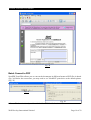
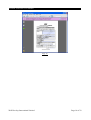
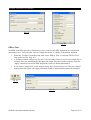
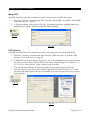
Fig. 48
* Notes: The function should be accompanied with an e-cert.
Stamper
NextPDF FormFiller provides a function for you to add graphic or text as watermark or
background. To add a stamper, please follow the following procedures:
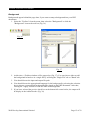
1. Select the "Toolbox" from the menu, then select the "Stamper".
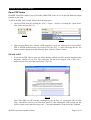
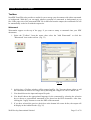
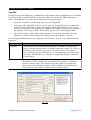
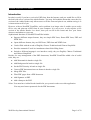
2. At this time, the "Stamper" window (Fig. 49) pops up. You should choose the input and
output file path. If necessary, you can choose the stamper content, stamp type, pages with
stamp, stamper style, stamper position, and set security (refer to "Set Security" part).
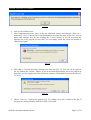
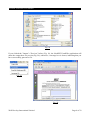
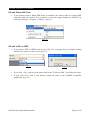
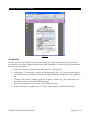
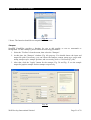
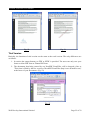
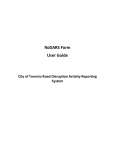
3. After that, click the "Apply" button for the stamper. Fig. 50 and Fig. 51 are the sample
output for graphic stamper and text stamper respectively.
Fig. 49
Well Develop International Limited
Page 21 of 22