1
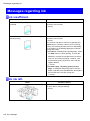
Responding to Messages
Error Message
Responding to Messages
Responding to Messages
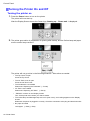
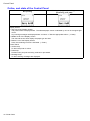
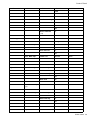
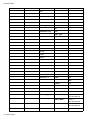
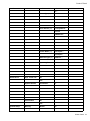
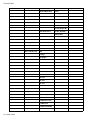
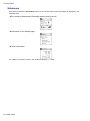
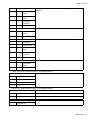
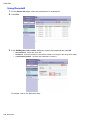
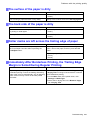
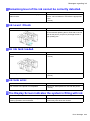
Warning messages
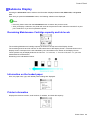
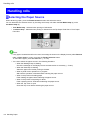
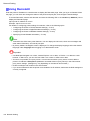
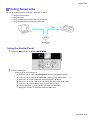
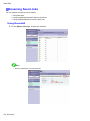
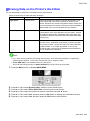
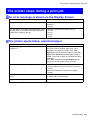
Warning messages are shown on lines 2-4 of the Display Screen.
Although warning messages do not prevent printer operation, you should check the message and take the
appropriate action. (→P.683)
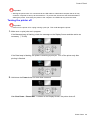
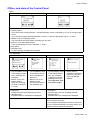
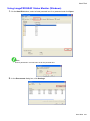
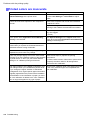
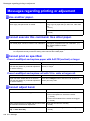
Error messages (if action can be taken)
Error messages are indicated on the Display Screen if you must respond before the printer can resume
operation.
Check the message and take the appropriate action. (→P.683)
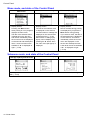
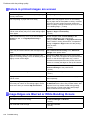
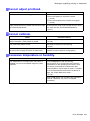
Error messages (if no action can be taken)
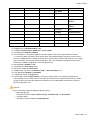
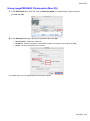
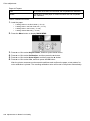
In the following situations, turn off the printer and wait at least three seconds before restoring power.
If the message is still displayed, write down the error code and message, turn off the printer, and contact your
Canon dealer for assistance.
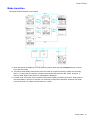
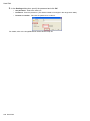
• The error message is displayed with the following instructions: Turn off printer, wait, then turn on
again..
• “ERROR” is displayed, followed by the error code and Call for service..
Error Message 681