1
Imagestore User Manual
Easysound Audio
VO
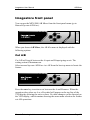
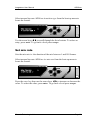
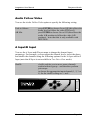
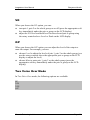
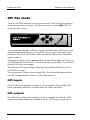
When you choose the VO option, you can:
♦
♦
turn pair 1, pair 2 or the whole group on or off (press the appropriate soft
key immediately under the pair or group on the LCD display)
adjust the VO level and duck level for the selected pair or group using
the rotary controls above Level or Duck on the LCD display
O/P
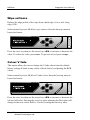
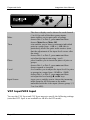
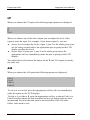
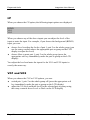
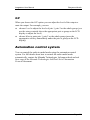
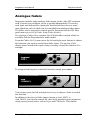
When you choose the O/P option you can adjust the level of the output or
mute the output. For example, you can:
♦
♦
choose Level to adjust the levels of pair 1, pair 2 or the whole group (you
use the rotary controls above the appropriate pair or group on the LCD
display to adjust the level)
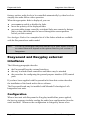
choose Mute to mute pair 1, pair 2 or the whole group (press the
appropriate soft key immediately under the pair or group on the LCD
display)
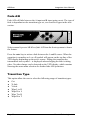
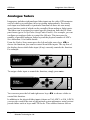
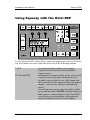
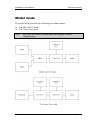
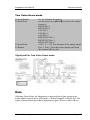
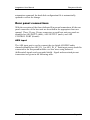
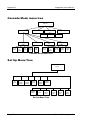
Two Voice Over Mode
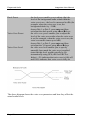
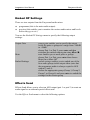
In Two Voice Over mode, the following options are available:
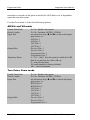
I/P
VO1
VO2
O/P
Miranda Technologies Ltd
Page 133