1
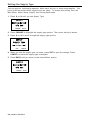
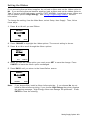
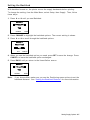
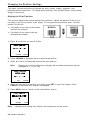
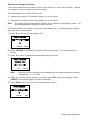
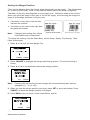
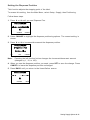
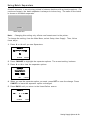
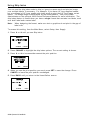
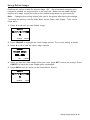
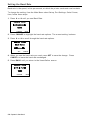
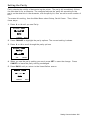
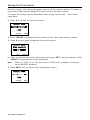
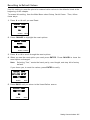
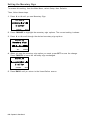
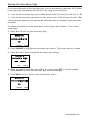
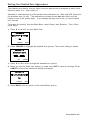
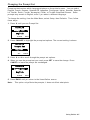
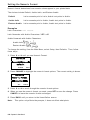
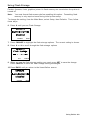
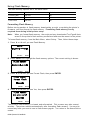
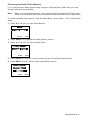
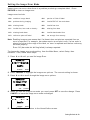
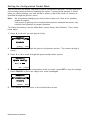
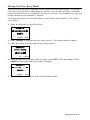
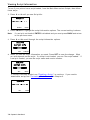
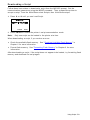
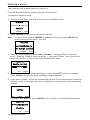
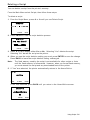
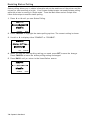
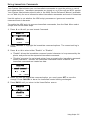
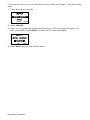
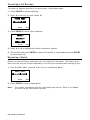
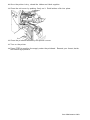
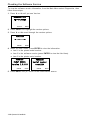
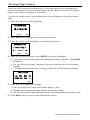
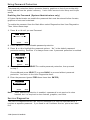
Setting the Supply Type You can print on inside edge aperture, black mark, die cut, or continuous supplies. You have to tell the printer which supplies you are using. To access this setting, from the Main Menu, select Setup, Supply, then follow these steps. 1. Press or until you see Supply Type. SUPPLY Supply Type→ Die Cut CHANGE BACK 2. Press CHANGE to highlight the supply type options. The current setting is shown. 3. Press or to scroll through the supply type options. SUPPLY Supply Type ← Die Cut SET → CANCEL 4. When you see the supply type you need, press SET to save the change. Press CANCEL to leave the supply type unchanged. 5. Press BACK until you return to the Home/Online screen. SUPPLY Supply Type→ Die Cut CHANGE BACK 4-2 Operator's Handbook