1
IRP_Install_1.fm Page 14 Monday, February 3, 2003 4:19 PM
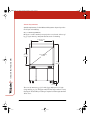
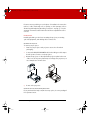
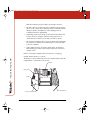
Use the video camera pedestal kit packing list and accompanying
assembly diagram to identify the parts of the video camera pedestal
assembly.
Interactive Rear Projection (IRP)
To assemble the optional video camera pedestal:
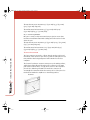
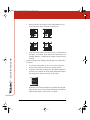
Secure camera with
1/4-20 screw
14
Attach with 10-32 screws
using 5/23" Allen wrench
1
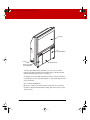
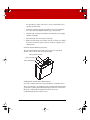
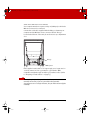
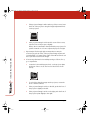
Note the general arrangement and orientation of the kit parts
and determine which set of holes on the side of the console to
use for mounting the pedestal assembly. You can mount the
assembly on either side of the console, but the right side is
usually recommended.
2
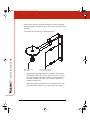
Fasten the pedestal assembly to the console with the two cap
screws and tighten with the 5/32" allen wrench (provided).
INSTALLING THE IRP 4500