1
Printing Letterhead
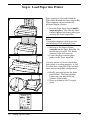
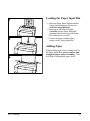
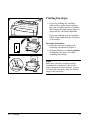
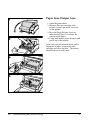
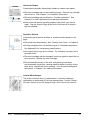
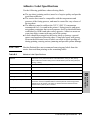
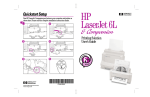
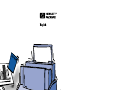
1 If you are printing a sheet of
letterhead followed by regular sheets
of paper, place a sheet of letterhead
into the (A) Single Sheet Input Slot
and regular sheets of paper into the
(B) Paper Input Bin.
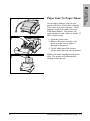
If you are printing several sheets of
letterhead in succession, fill the Paper
Input Bin (B) with the letterhead.
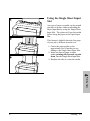
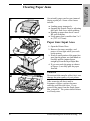
Letterhead Orientation
2 Insert the letterhead printing side
forward, top side down, as illustrated
in Figure 2.
4
Printing Tasks
EN
Printing 4-7