1
5-22
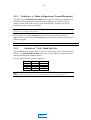
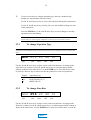
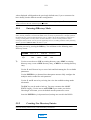
USE EDIT NEW DEL
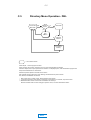
Algorithm
Type
Data
Rate
Channel
Mode
Sample
Rate
Aux
Rate
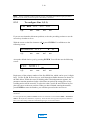
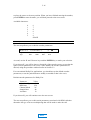
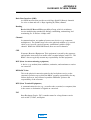
Begin by using the Å and Æ arrow keys to place the cursor on the first character of
the designation NEW. Then press ENTER.
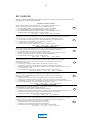
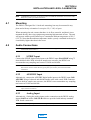
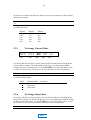
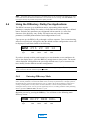
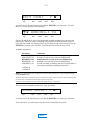
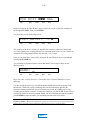
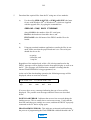
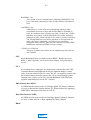
You will then see the following screen:
COPY ENTRY?
Algorithm
Type
Data
Rate
Channel
Mode
Sample
Rate
Y N
Aux
Rate
The purpose of the above screen is to simplify the creation of directory entries that
vary only slightly from existing entries. It is somewhat akin to the “save as” feature in
computer file management systems. See Section 5.5.2.1 below.
If this is your first entry, choose N by using the Å and Æ arrow keys as needed and
pressing the ENTER key.
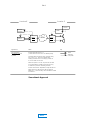
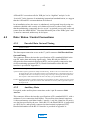
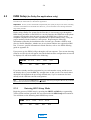
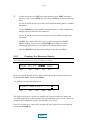
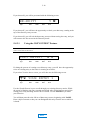
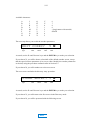
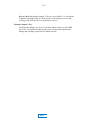
You will then be presented with a screen that allows you to enter a name for the
directory entry.
NAME: _
Algorithm
Type
Data
Rate
Channel
Mode
Sample
Rate
Aux
Rate
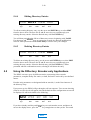
Begin the name with an asterisk (*). Then enter up to 12 more characters of your
choosing.
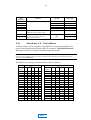
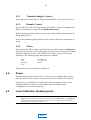
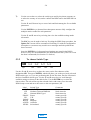
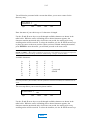
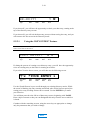
Use the Ç and È arrow keys to scroll through available characters as shown in the
table below. While the cursor is blinking after a desired character appears, the
character remains unselected; after a brief time-out period, the setting prior to any
scrolling action will be restored. To select the character, use the Å and Æ arrow keys
to place the cursor to the next position. When you have finished entering the number,
press ENTER to store the name; you will then proceed to the next screen.
Note:
To assist with data entry, Insert and Delete functions are available, accessed with the SHIFT +
ENTER and SHIFT + È keystroke combinations, respectively. These functions act in typical word processor
fashion to allow you to edit a string of characters without having to type over erroneous entries.
MAIN