1
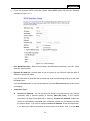
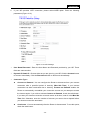
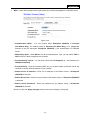
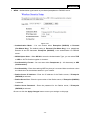
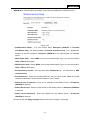
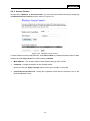
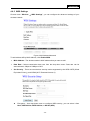
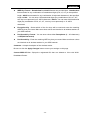
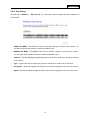
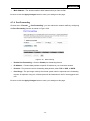
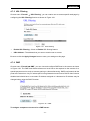
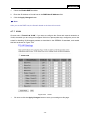
AIP-W525H Beacon Interval - Enter a value between 20-1000 milliseconds for the Beacon Interval. The beacons are the packets sent by the Router to synchronize a wireless network. Beacon Interval value determines the time interval of the beacons. The default value is 100. 4.6.3 Security Choose menu “Wireless → Security”, you can configure the security settings of your wireless network. There are four wireless security modes supported by the Router: WEP (Wired Equivalent Privacy), WPA (Wi-Fi Protected Access), WPA2 (Wi-Fi Protected Access 2), WPA-Mixed (Pre-Shared Key or Enterprise). Figure 4-18 Wireless Security Disable - If you do not want to use wireless security, check this radio button. It’s strongly recommended to choose one of the following modes to enable security. WEP - It is based on the IEEE 802.11 standard. If you check this radio button, you will find a notice in red as shown in Figure 4-19. Figure 4-19 - 33 -