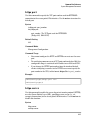
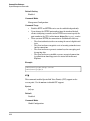
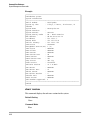
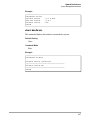
1
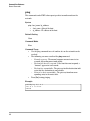
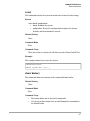
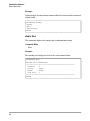
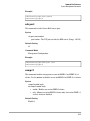
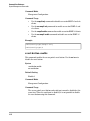
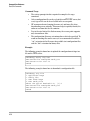
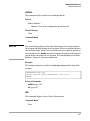
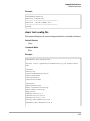
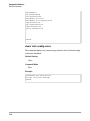
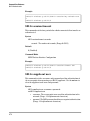
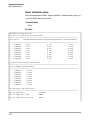
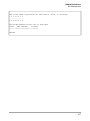
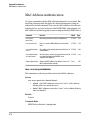
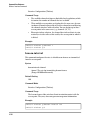
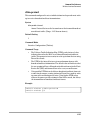
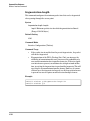
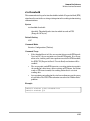
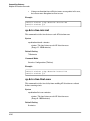
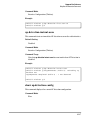
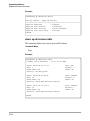
Command Line Reference Ethernet Interface Commands shutdown This command disables the Ethernet interface. To restart a disabled interface, use the no form. Syntax shutdown no shutdown Default Setting Interface enabled Command Mode Interface Configuration (Ethernet) Command Usage This command allows you to disable the Ethernet interface due to abnormal behavior (e.g., excessive collisions), and re-enable it after the problem has been resolved. You may also want to disable the Ethernet interface for security reasons. Example The following example disables the Ethernet interface. HP420(if-ethernet)#shutdown HP420(if-ethernet)# speed-duplex This command configures the speed and duplex mode of the Ethernet inter face when auto-negotiation is disabled. Use the no form to restore the default. Syntax speed-duplex <auto | 10MH | 10MF | 100MH | 100MF> 8-90 • auto - autonegotiate the speed and duplex mode • 10MH - Forces 10 Mbps, half-duplex operation • 10MF - Forces 10 Mbps, full-duplex operation • 100MH - Forces 100 Mbps, half-duplex operation • 100MF - Forces 100 Mbps, full-duplex operation