1
Chapter 2
CLI Command Reference
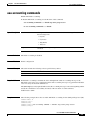
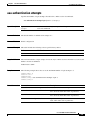
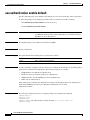
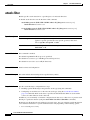
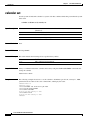
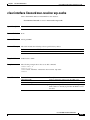
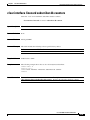
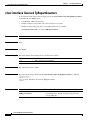
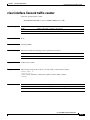
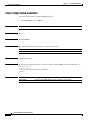
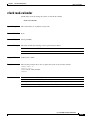
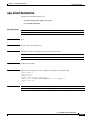
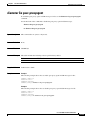
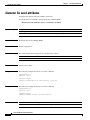
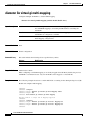
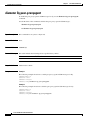
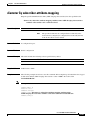
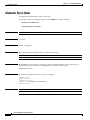
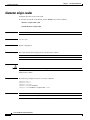
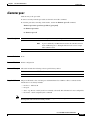
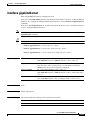
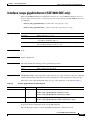
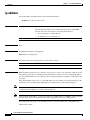
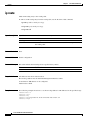
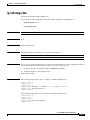
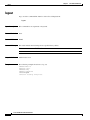
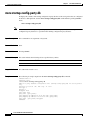
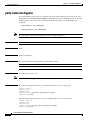
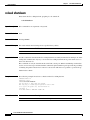
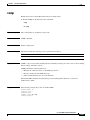
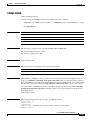
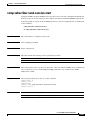
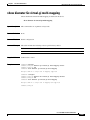
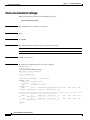
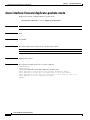
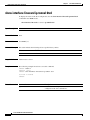
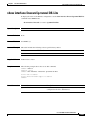
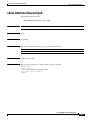
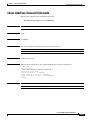
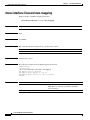
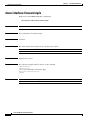
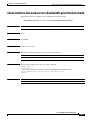
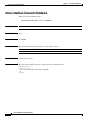
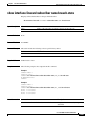
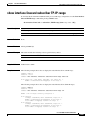
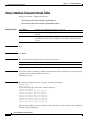
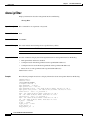
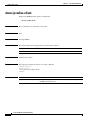
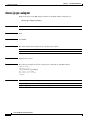
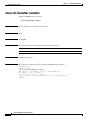
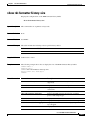
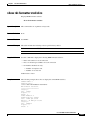
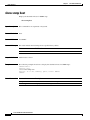
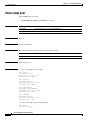
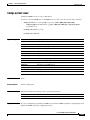
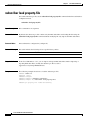
snmp-server accelerate-query
snmp-server accelerate-query
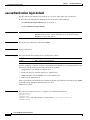
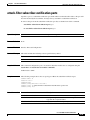
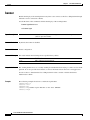
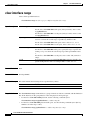
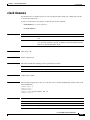
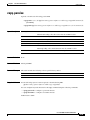
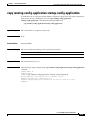
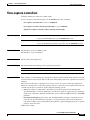
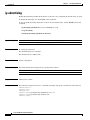
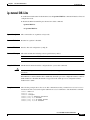
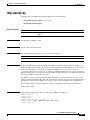
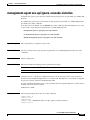
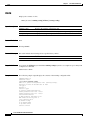
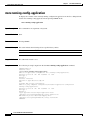
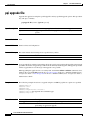
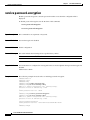
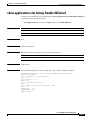
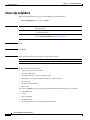
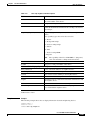
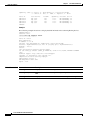
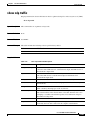
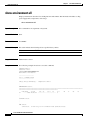
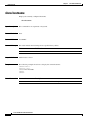
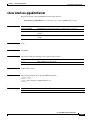
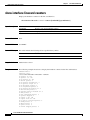
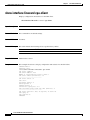
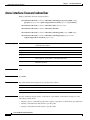
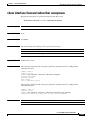
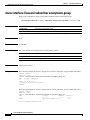
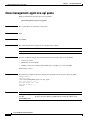
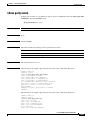
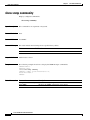
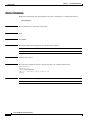
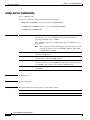
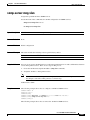
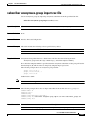
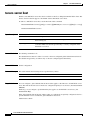
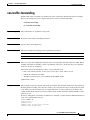
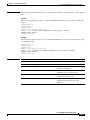
To enable the SNMP walk acceleration for linksServiceUsage queries, use the snmp-server
accelerate-query command.
Use the no form of the command to disable the SNMP walk acceleration.
snmp-server accelerate-query <linkServiceUsage query>
no snmp-server accelerate-query <linkServiceUsage query>
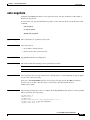
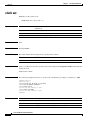
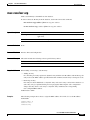
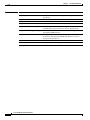
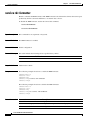
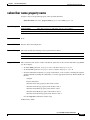
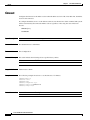
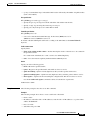
Syntax Description
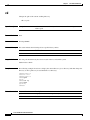
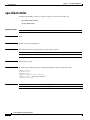
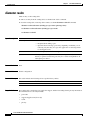
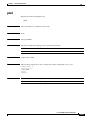
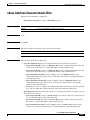
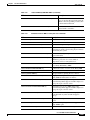
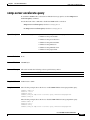
linkServiceUsage query Any one of the following linkServiceUsage queries:
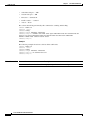
•
linkServiceUsageActiveSubs
•
linkServiceUsageConcSessions
•
linkServiceUsageDownVolume
•
linkServiceUsageDuration
•
linkServiceUsageNumSessions
•
linkServiceUsageUpVolume
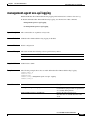
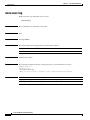
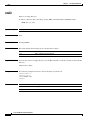
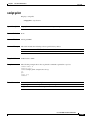
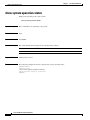
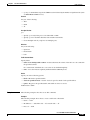
Command Default
None.
Command Modes
CONFIG (#)>
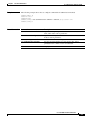
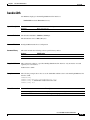
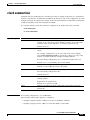
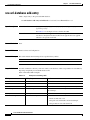
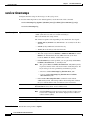
Command History
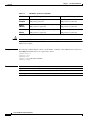
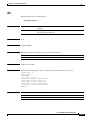
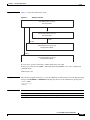
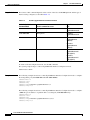
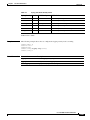
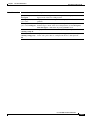
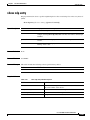
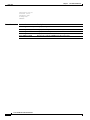
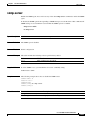
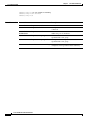
This table includes the following release-specific history entries:
Release
Modification
3.8.0
This command was introduced.
Usage Guidelines
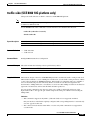
Authorization: admin
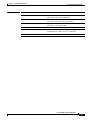
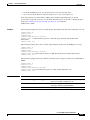
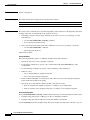
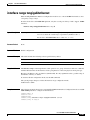
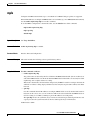
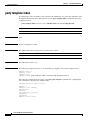
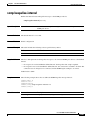
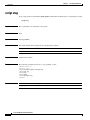
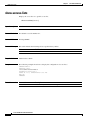
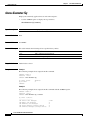
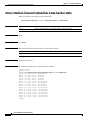
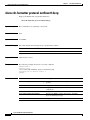
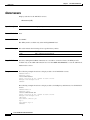
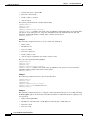
Examples
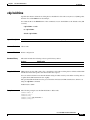
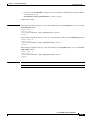
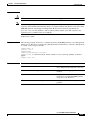
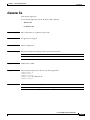
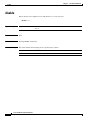
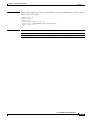
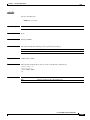
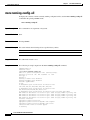
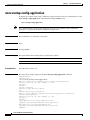
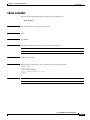
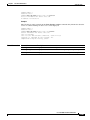
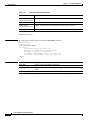
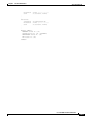
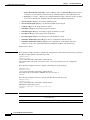
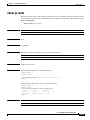
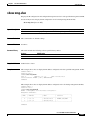
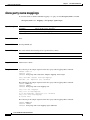
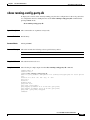
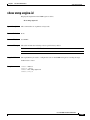
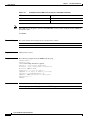
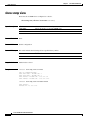
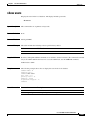
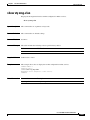
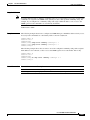
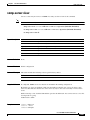
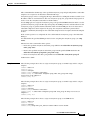
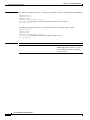
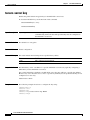
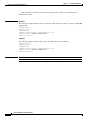
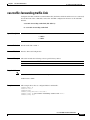
The following example shows the how to enable SNMP linkServiceUsageUpVolume query.
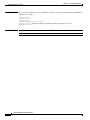
SCE8000> enable 10
Password: <cisco>
SCE8000# config
SCE8000(config)#> snmp-server accelerate-query linkServiceUsageUpVolume
SCE8000(config)#>
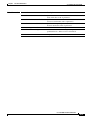
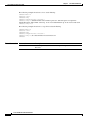
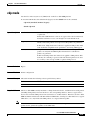
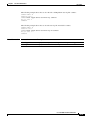
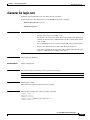
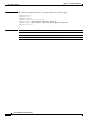
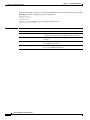
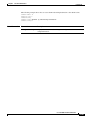
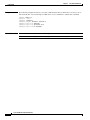
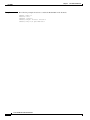
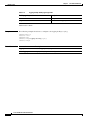
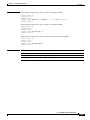
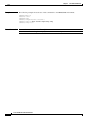
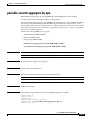
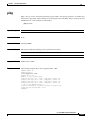
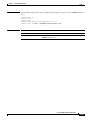
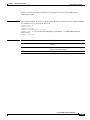
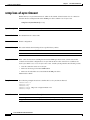
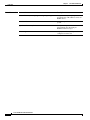
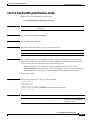
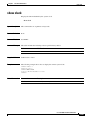
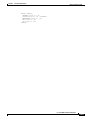
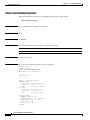
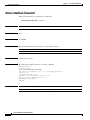
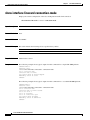
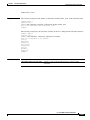
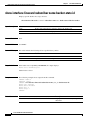
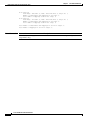
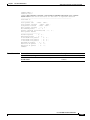
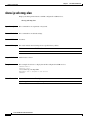
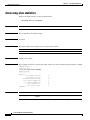
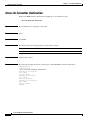
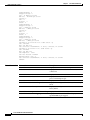
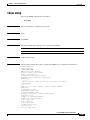
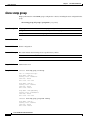
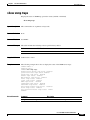
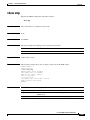
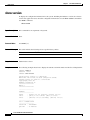
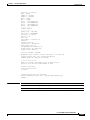
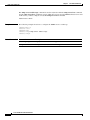
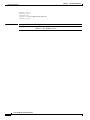
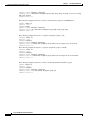
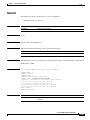
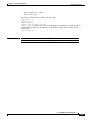
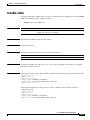
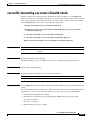
The following example shows the how to disable SNMP linkServiceUsageUpVolume query
SCE8000>enable 10
Password:<cisco>
SCE8000# config
SCE8000(config)#> snmp-server accelerate-query linkServiceUsageUpVolume
Cisco SCE 8000 CLI Command Reference
2-637