1
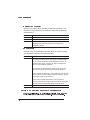
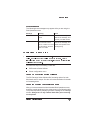
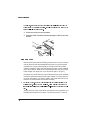
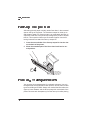
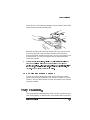
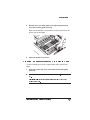
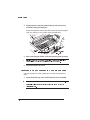
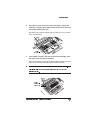
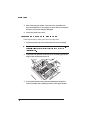
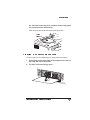
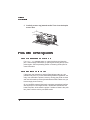
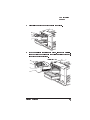
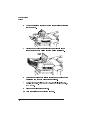
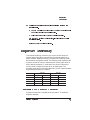
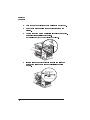
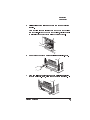
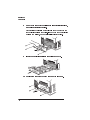
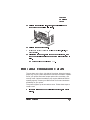
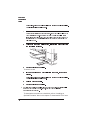
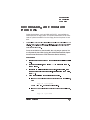
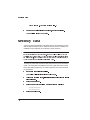
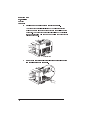
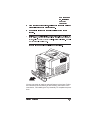
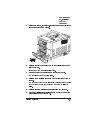
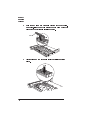
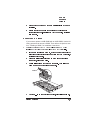
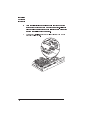
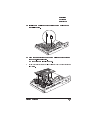
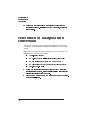
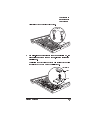
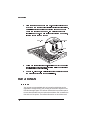
Hard Disks acceptable grounding point either because it must be unplugged before you perform this task. If you don't have an anti-static wrist strap, discharge your body's static electric charge by touching a grounded surface before you handle any printer boards or components and before removing the tray assembly cover. Redischarge your body each time after walking around and before touching the printer tray assembly again. Handle the tray assembly and disk drive carefully, and try to handle it by the edges only. Use the following instructions to install a new hard disk drive: 8-40 1 Access the tray assembly by following the instructions in Removing the Tray Assembly, earlier in this chapter. 2 Remove the existing hard disk by removing the four Phillips screws as shown in the following illustration. 3 Disconnect the ribbon cable and power cable from the connectors on the controller board. QMS 1725 SLS Print System User's Guide