1
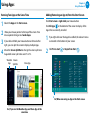
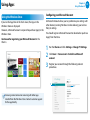
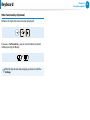
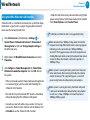
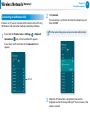
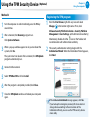
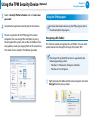
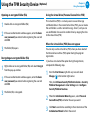
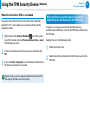
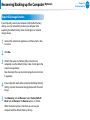
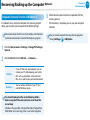
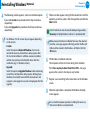
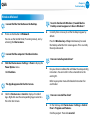
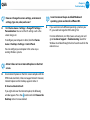
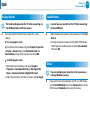
áᔪ Wireless Network (Optional) Chapter 3. Using the computer 73 Ŗᮁ Connecting to a Wireless LAN ᯲ If there is an AP, you can connect to the Internet via the AP using the Wireless LAN connection method provided by Windows. Connect. 2 IfClick a network key is set for the AP, enter the network key and then click OK. ᰆ⊹ 1 If you click the Charms menu > Settings > Network Connections icon, a list of available APsᖅᱶappears. For the network key, please ask your network administrator. If you select an AP to connect to, the Connect button appears. AP List When the AP connection is completed, Connected is 3 displayed next to the corresponding AP. You can now use the wireless network.