1
SISTORE MX RemoteView
19.19 Software update on MX server via SISTORE MX RemoteView
NOTE
If you wish to update the software on the SISTORE MX Server from a SISTORE MX RemoteView
client PC, please phone or email our
Customer Support Center:
z Phone: +49 89 9221 8000
(Monday to Friday, 07:30 to 17:00)
z Email: [email protected]
19.20 Multi-server mode
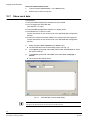
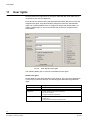
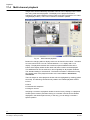
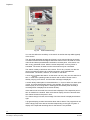
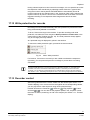
Up to 10 SISTORE MX devices can be accessed via RemoteView.
NOTE:
The connection of several SISTORE MX devices is only possible in a LAN network and not over ISDN.
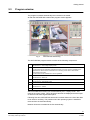
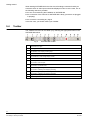
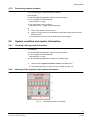
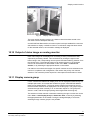
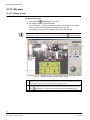
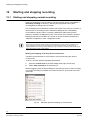
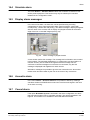
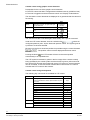
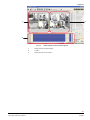
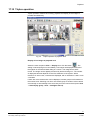
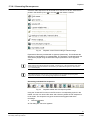
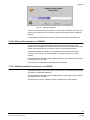
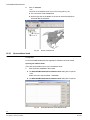
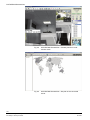
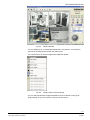
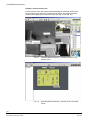
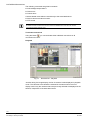
Fig. 74
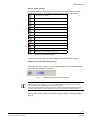
RemoteView - Live image display
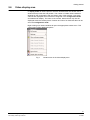
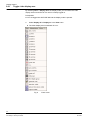
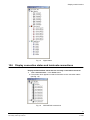
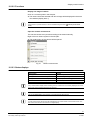
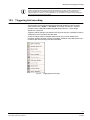
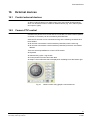
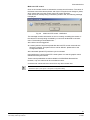
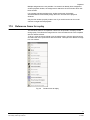
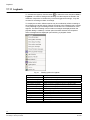
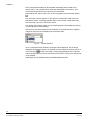
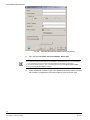
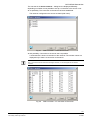
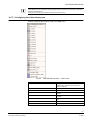
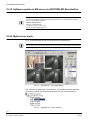
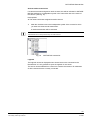
The cameras are displayed in a tree structure. The available cameras and audio
channels of a server are shown below the entries for the connected servers.
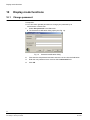
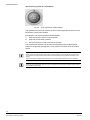
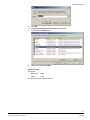
Fig. 75
RemoteView - List of cameras
122
Siemens Building Technologies
Fire Safety & Security Products
01.2008