1
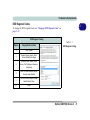
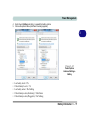
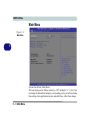
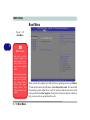
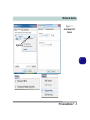
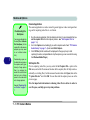
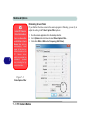
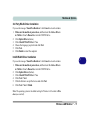
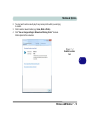
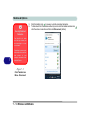
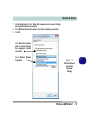
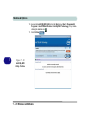
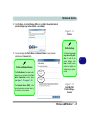
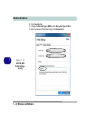
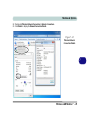
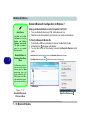
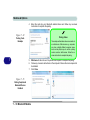
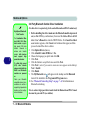
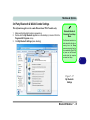
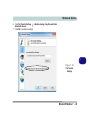
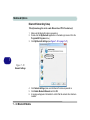
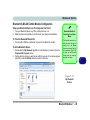
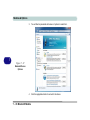
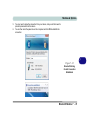
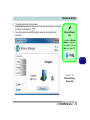
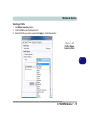
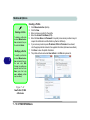
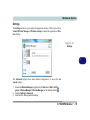
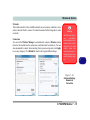
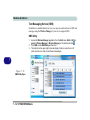
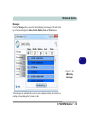
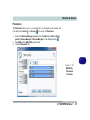
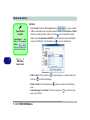
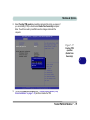
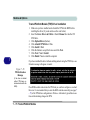
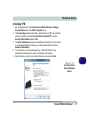
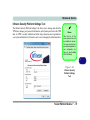
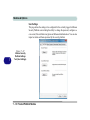
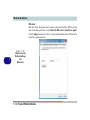
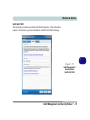
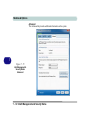
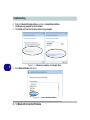
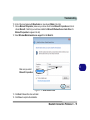
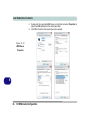
Modules & Options Bluetooth & WLAN Combo Module Configuration Setup your Bluetooth Device so the Computer Can Find it 1. 2. Turn your Bluetooth device (e.g. PDA, mobile phone etc.) on. Make the device discoverable (to do this check your device documentation). Bluetooth Module & Resuming From Sleep Mode To Turn the Bluetooth Module On 1. Press the Fn + F12 key combination to power on the Bluetooth module. To Add a Bluetooth Device 1. 2. Double-click the My Bluetooth application on the desktop (or access it from the Programs/All Programs menu). Double-click the device you want to pair with the computer (if no devices appear press F5 or click the Refresh button to search for devices). The Bluetooth module’s default state will be off after resuming from the Sleep power-saving state. Use the key combination (Fn + F12) to power on the Bluetooth module after the computer resumes from Sleep. 7 Figure 7 - 31 My Bluetooth Devices Bluetooth Module 7 - 45