1
4 Quick Start
Measure Temperature
4.
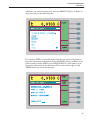
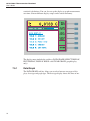
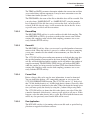
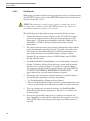
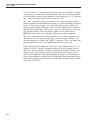
Set the temperature conversion type. Move the cursor to the CONVERSION selection. Use the L and R keys and Enter to select
ITS-90 or whatever conversion is appropriate for your probe (Section
7.4.3.2). Refer to the calibration report or specifications for your probe.
Most SPRTs and RTDs use the ITS-90.
5.
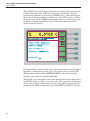
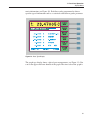
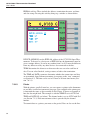
Enter the characterization coefficients for your probe. Use the numeric keys and Enter to enter each coefficient. The coefficients are determined when the probe is calibrated. Refer to the calibration report or
specifications for your probe. When finished exit out to the main menu
using the RETURN soft-key or Exit.
6.
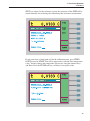
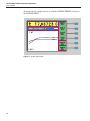
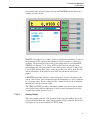
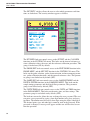
Begin sampling. If the 1575/1590 is not now sampling press the RUN
soft-key in the SAMPLE MENU to begin sampling (Section 7.2.1).
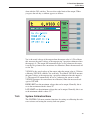
The 1575/1590 should now be able to measure temperature accurately. If desired, you can modify the filter settings in the SAMPLE MENU to minimize
noise (Section 7.2.4). You may change the units from °C to any other desired
units such as °F or K using the UNIT soft-key in the SYSTEM menu (Section
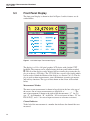
7.6.1). You can set up the display to show statistical data or graph measurements in the DISPLAY MENU (Section 7.5).
19