1
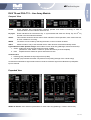
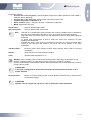
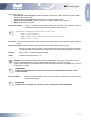
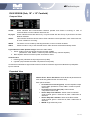
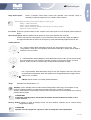
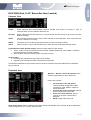
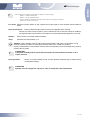
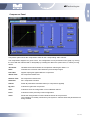
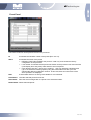
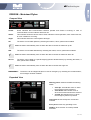
dBTechnologies Compressor Panel Compressor panel shows the compression status for the corresponding audio channel. The compression diagram is in green colour. The configuration can be performed on the graph, by moving the circle with the relevant letter or analytically by inserting the data in the option boxes, or else by moving sliders. Threshold: Identifies the threshold where the compression ratio begins. Base is 1:1 Ratio: Indicates the conversion ratio between input and output signal. Post Gain: Applies output gain applied after the compressor. Attach Time: Set compressor attack time Release Time: Set compressor release time Hold time: Set compressor hold time Flatten: Reset all parameters to default values (no compression applied) By pass: It allows to bypass the compressor. Save: It allows to save the configuration of one individual channel Load: It allows to load a previously saved configuration. Send: Sends the changed data of each individual channel to the processor. This operation is normally carried out by the system in real time while the parameters are being modified 14/17 Rev .