1
Head Editor
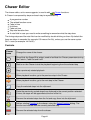
The Head Editor is used to create and edit heads by picking sets of Channels that are dedicated
to a single head (as defined by the fixture's manufacturer).
Controls
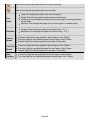
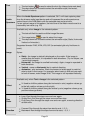
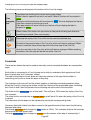
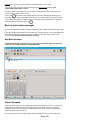
The controls are very simple: place a checkmark on each channel that is used ONLY by the head
you are currently editing. To add a head, see Mode Editor.
When adding heads in a fixture mode that provides a master dimmer channel, you can include
that channel on each head. In this way a RGB matrix function will be able to control your heads
out of the box, with no need to manual dim your matrices.
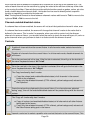
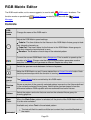
Channel
list
Displays the list of all fixture channels available in the current mode. Channels that
have been assigned to another head are disabled and cannot be selected
because each channel can only belong to one head at a time.
Page 132