1
Chapter 5. Application Functions and Settings
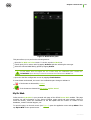
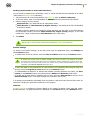
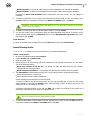
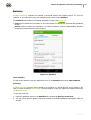
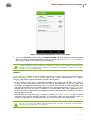
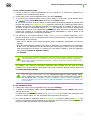
To configure the available applications list
If you are the administrator of the anti-virus network, you can specify the list of applications available
for the users on their devices. To do this:
1. On the main screen of the application tap Administrator.
2. Select the applications, which will be available for the anti-virus network users on their mobile
devices.
3. Tap Allow selected.
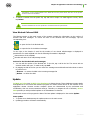
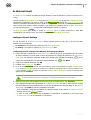
URL Shortening Service
Sometimes, for example, when you have to deal with limits on the number of characters in SMS or
social networks posts, you may need to use short URLs. Dr.Web anti-virus allows shortening the
URLs and scanning them for viruses using a special link shortening service in order to protect users
from security threats.
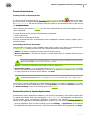
Using URL shortening service
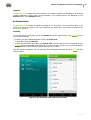
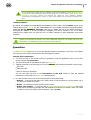
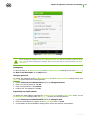
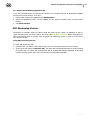
To check and shorten the URL:
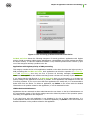
1. Select the URL you want to check and shorten, then use the sharing function of your browser.
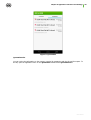
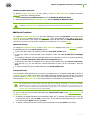
2. In the menu that opens, tap Shorten URL. The page that the selected URL links to will be scanned
for threats and, if it is safe, the shortened URL will be created and copied to clipboard. If the page
contains security threats, the service will show the corresponding notification.
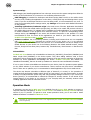
User Manual
49