1
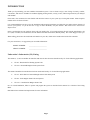
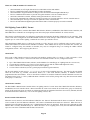
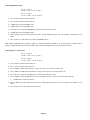
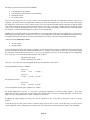
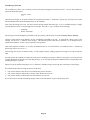
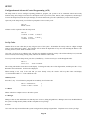
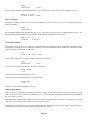
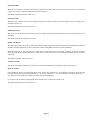
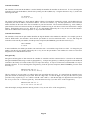
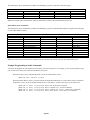
The following key press commands are available for simulating key presses on the NuVo Essentia keypad:
NuVo Essentia Key Presses
Power
Volume up
Volume down
Mute
Note: The Volume up and Volume down will raise and lower the volume in the specified Audio Zone by 2%.
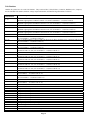
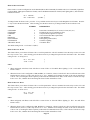
Russound Key Press Commands
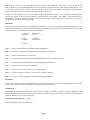
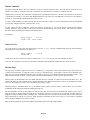
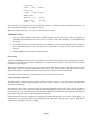
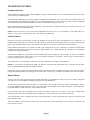
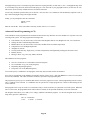
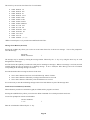
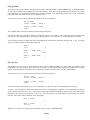
The following key press commands are available for simulating key presses on the Russound UNO-S1 keypad, UNO-S2 keypad,
or UNO-LRC1 Remote Control:
Power
Source step
Volume up
Volume down
Mute
Play
Stop
Pause
Minus
Plus
Previous / Fast rewind
Next / Fast forward
Record
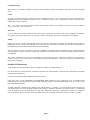
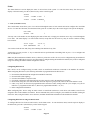
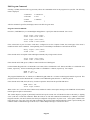
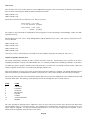
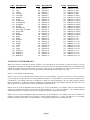
Russound Key Presses
Channel up
Channel down
Last
Sleep
Favorite 1
Favorite 2
Zero
One
Two
Three
Four
Five
Six
Seven
Eight
Nine
Plus ten
Enter
Guide
Exit
Info
Menu
Menu up
Menu right
Menu down
Menu left
Select
Note: The Volume up and Volume down command will raise and lower the volume in the specified Audio Zone by 2%.
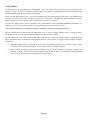
Example Programming of Audio Commands
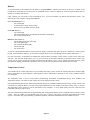
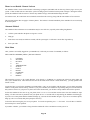
You can create programs in your OmniPro II to customize your music experience. For example, you can create programs to play
your favorite music when you return home and disarm your system.
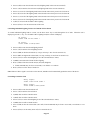
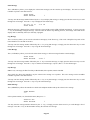
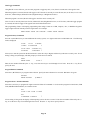
When the security system is disarmed by Bob, execute the “Bob Is Home” macro:
WHEN Bob OFF: RUN Bob Is Home
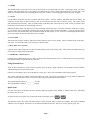
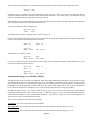
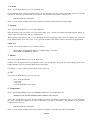
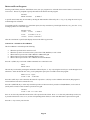
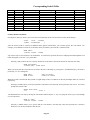
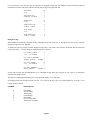
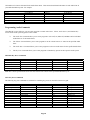
When the “Bob Is Home” macro is executed, turn the Living Room Audio Zone on, set the volume of the Living Room
Audio Zone to 50%, set the Living Room Audio Source to “CD Player”, and press the “Play” key to start the CD:
WHEN
WHEN
WHEN
WHEN
Bob
Bob
Bob
Bob
Is
Is
Is
Is
Home:
Home:
Home:
Home:
Living
Living
Living
Living
Room
Room
Room
Room
AUDIO
AUDIO
AUDIO
AUDIO
Page 87
ON (Audio Zone Command)
VOLUME 50% (Volume Command)
SOURCE CD Player (Audio Source Command)
KEY PRESS PLAY (Key Press Command)