1
Guarding Expert (Android) Mobile Client Software
Chapter 8 Others
Update the Software
When there is a new version available in the Google Play, the software will prompt
you to update the software. You can confirm to update the software immediately.
You can also cancel it and perform the following steps to update the software next
time as desired.
Steps:
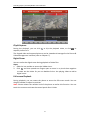
1. Click
and select
to enter the Configuration interface.
2. Click About to enter the About interface.
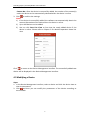
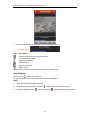
3. If the New is in the Software Update item, click Software Update to activate the
software update dialog box.
4. Click Confirm to confirm updating the software and enter Google Play to update
the software.
Note: The New displays when there is a new version available in the Google Play.
New Features and Help
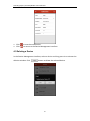
In the About interface, click New Features to view the main features of the software.
In the Configuration interface, click Help and you can enter the Help interface. You
can view the help of the software.
Feedback
If there is any problem or suggestion when you use the software, please feel free to
send emails to us by clicking Feedback in About interface. Our technical engineers
will handle your problems and suggestions as soon as possible.
25