1
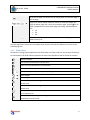
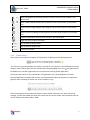
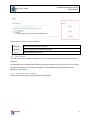
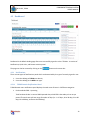
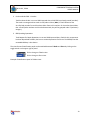
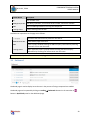
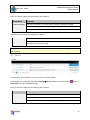
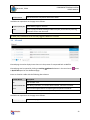
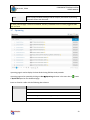
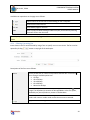
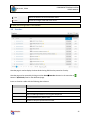
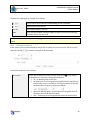
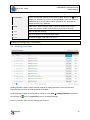
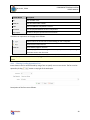
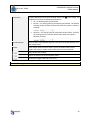
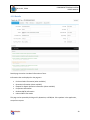
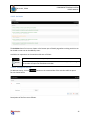
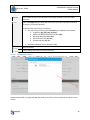
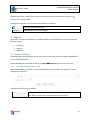
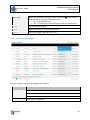
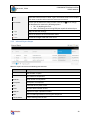
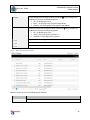
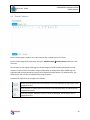
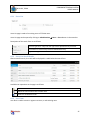
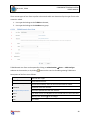
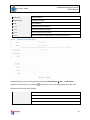
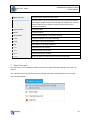
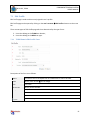
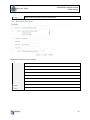
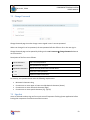
MLU-CKP, TUDM COMPONENT TRACKING SYSTEM USER’S MANUAL Items are listed in a table with the following data columns: Column Name Description PO/Quot/RFRQ No. Item RFRQ, Quotation, or Purchase Order number, whichever available. MTO Name of MTO appointed for transporting the component to MRO. Trans Date Date and time the component was picked up from MATRA. Available user operations on the page are as follows: PO/Quot/RFRQ No. Opens details page for the item. MTO Opens a popup window showing the MTO company information by hovering the mouse cursor over the name. For MRO, Outbound page is named as Inbound. And only related data to the currently logged in MRO user are listed. 4.5 On Site On Site page is used to display items that has been received by MRO. On Site page can be opened by clicking on tracking On Site submenu in the menu bar or Quick Links panel on the dashboard page. button in Items are listed in a table with the following data columns: Column Name Description No. Item number in list. PO/Quot/RFRQ No. Item RFRQ, Quotation, or Purchase Order number, whichever available. MRO Name of MRO appointed for servicing the component. 21