1
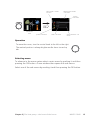
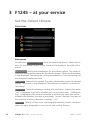
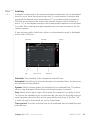
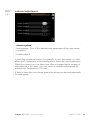
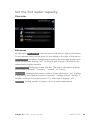
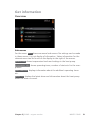
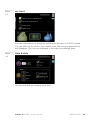
Menu number – marked
sub menu
INDOOR CLIMATE
HOT WATER
Name and menu number
– main menu
INDOOR CLIMATE
1
Symbol –
main menu
temperature
ventilation
normal
scheduling
off
advanced
HEAT PUMP
INFO
Marked main
menu
Symbols – sub menus
Name – sub menus
Status information – sub
menus
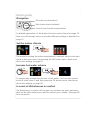
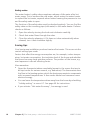
Operation
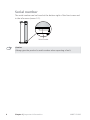
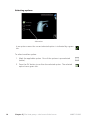
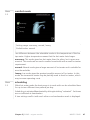
To move the cursor, turn the control knob to the left or the right.
The marked position is always brighter and/or has a turned up
tab.
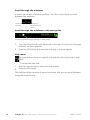
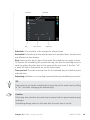
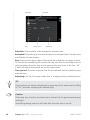
Selecting menu
To advance in the menu system select a main menu by marking it and then
pressing the OK button. A new window then opens with sub menus.
Select one of the sub menus by marking it and then pressing the OK button.
Chapter 2 | The heat pump – the heart of the house
NIBE™ F1245
13