1
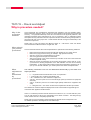
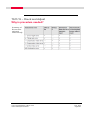
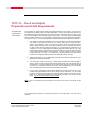
TS11/15 – Check and Adjust
Check and Adjust User Options
Configure
Check and
Adjust
Options
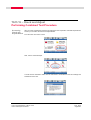
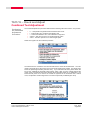
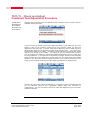
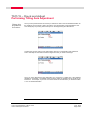
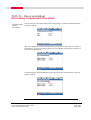
To set the user options for the Check & Adjust Wizard, choose the “Configure Check & Adjust”
option from the main Wizard menu.
Set User
Reminder
Interval
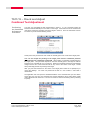
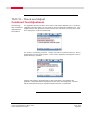
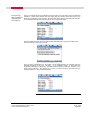
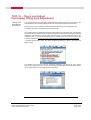
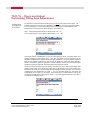
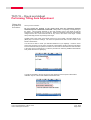
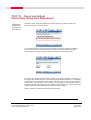
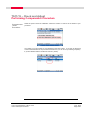
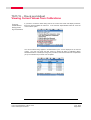
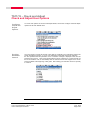
The user needs to choose the interval of time that he would like to be reminded to perform the
Check and Adjust procedure. If one or more adjustment values date values are older than
the time specified with this parameter, then a reminder message is displayed each time the
instrument is turned on. Leica recommends that this is done at least once a month and also for
the list of situations such as immediately after the instrument has been shipped via a courier
service as listed at the beginning of this guide. After making your selection choose F1 (Finish)
to continue.
TS11/15 Total Stations FW Ver. 3.00
Check and Adjust Procedure
OCT, 2010
Page 21/22