1
User’s Manual
3.3.20
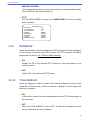
WDR FUNCTION
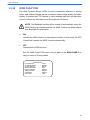
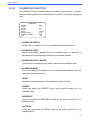
The Wide Dynamic Range (WDR) function is especially effective in solving
indoor and outdoor contrast issues to enhance better image quality and video
display. It enables the PTZ Camera to catch detailed data from the dark part
(Indoor) without any saturation from the bright part (Outdoor).
NOTE: The Backlight function will be turned off automatically when the
WDR function is enabled because the WDR function has better effects
than Backlight Compensation.
•
ON
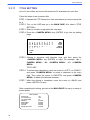
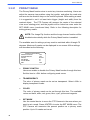
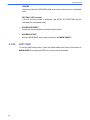
Activate the WDR function by selecting this option. In this mode, the PTZ
Camera will operate the WDR function automatically.
•
OFF
Deactivate the WDR function.
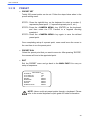
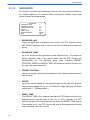
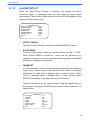
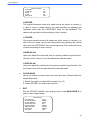
Exit the WDR FUNCTION menu and go back to the MAIN PAGE 3 to
carry on setup of Privacy Mask.
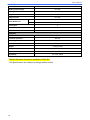
MAIN PAGE 3
IR FUNCTION
AUTO
ALARM SETTING
ENTER
ALARM DETECT
NONE
WDR FUNCTION
OFF
PRIVACY MASK
ENTER
TIME SETTING
ENTER
SCHEDULE
ENTER
EXIT OSD
YES
47