1
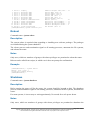
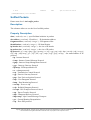
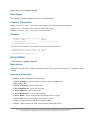
Property Description
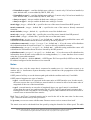
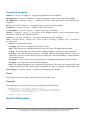
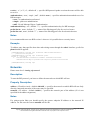
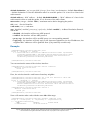
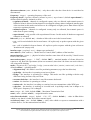
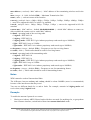
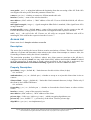
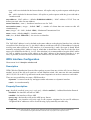
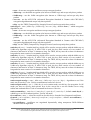
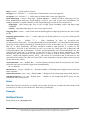
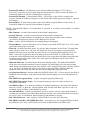
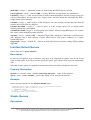
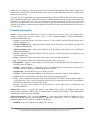
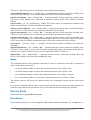
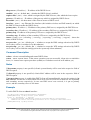
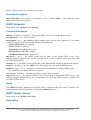
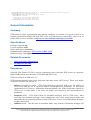
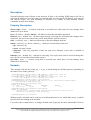
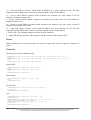
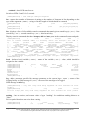
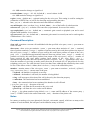
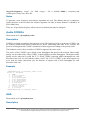
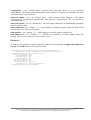
active-mode ( yes | no ; default: yes ) - whether the interface will receive and transmit 'alignment'
packets or it will only receive them
audio-max ( integer ; default: -20 ) - signal-strength at which audio (beeper) frequency will be the
highest
audio-min ( integer ; default: -100 ) - signal-strength at which audio (beeper) frequency will be the
lowest
audio-monitor ( MAC address ; default: 00:00:00:00:00:00 ) - MAC address of the remote host
which will be 'listened'
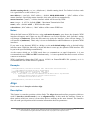
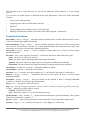
filter-mac ( MAC address ; default: 00:00:00:00:00:00 ) - in case if you want to receive packets
from only one remote host, you should specify here its MAC address
frame-size ( integer : 200 ..1500 ; default: 300 ) - size of 'alignment' packets that will be
transmitted
frames-per-second ( integer : 1 ..100 ; default: 25 ) - number of frames that will be sent per second
(in active-mode)
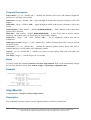
receive-all ( yes | no ; default: no ) - whether the interface gathers packets about other 802.11
standard packets or it will gather only 'alignment' packets
ssid-all ( yes | no ; default: no ) - whether you want to accept packets from hosts with other ssid
than yours
test-audio ( integer ) - test the beeper for 10 seconds
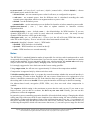
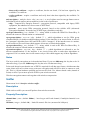
Notes
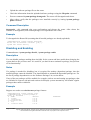
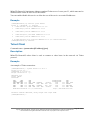
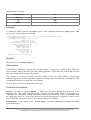
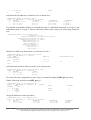
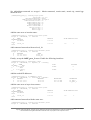
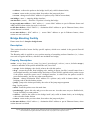
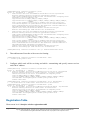
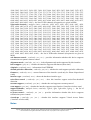
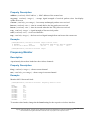
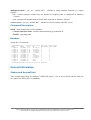
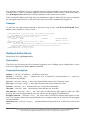
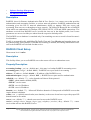
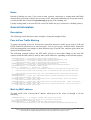
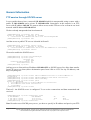
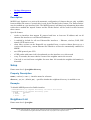
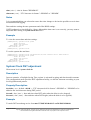
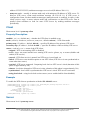
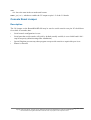
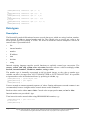
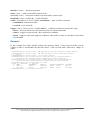
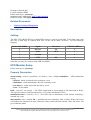
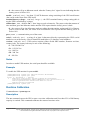
If you are using the command /interface wireless align monitor then it will automatically change
the wireless interface's mode from station, bridge or ap-bridge to alignment-only.
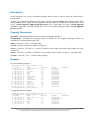
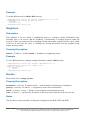
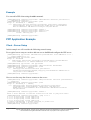
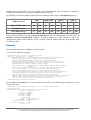
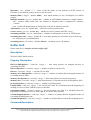
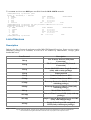
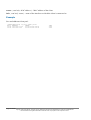
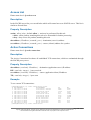
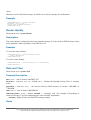
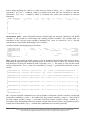
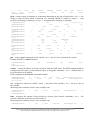
Example
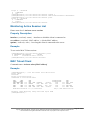
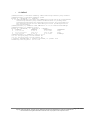
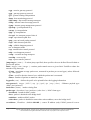
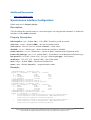
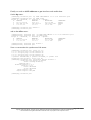
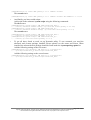
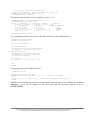
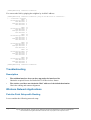
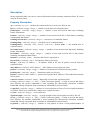
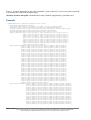
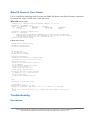
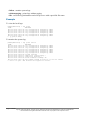
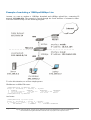
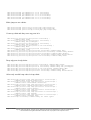
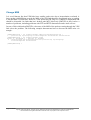
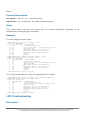
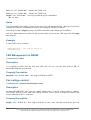
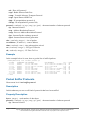
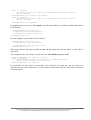
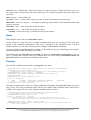
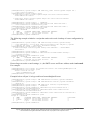
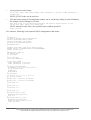
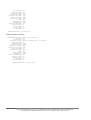
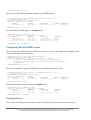
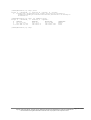
[admin@MikroTik] interface wireless align> print
frame-size: 300
active-mode: yes
receive-all: yes
audio-monitor: 00:00:00:00:00:00
filter-mac: 00:00:00:00:00:00
ssid-all: no
frames-per-second: 25
audio-min: -100
audio-max: -20
[admin@MikroTik] interface wireless align>
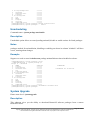
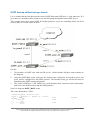
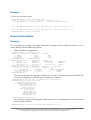
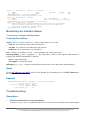
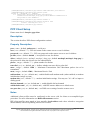
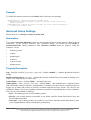
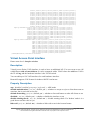
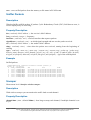
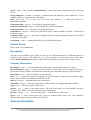
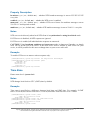
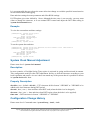
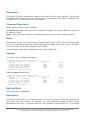
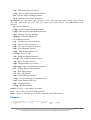
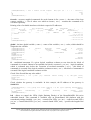
Align Monitor
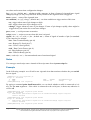
Command name: /interface wireless align monitor
Description
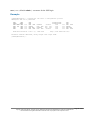
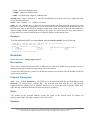
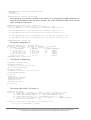
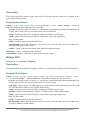
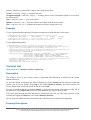
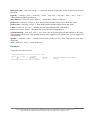
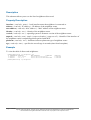
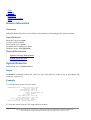
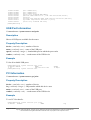
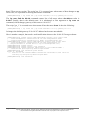
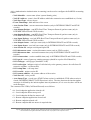
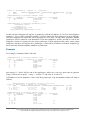
This command is used to monitor current signal parameters to/from a remote host.
Page 268 of 695
Copyright 1999-2005, MikroTik. All rights reserved. Mikrotik, RouterOS and RouterBOARD are trademarks of Mikrotikls SIA.
Other trademarks and registred trademarks mentioned herein are properties of their respective owners.