1
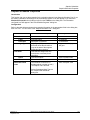
Function Block Diagram (FBD) Worksheet
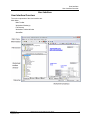
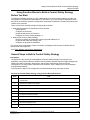
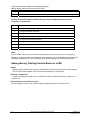
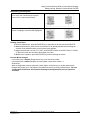
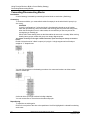
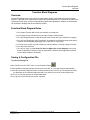
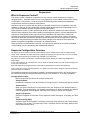
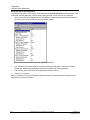
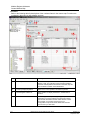
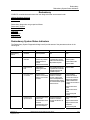
How to Add a New FBD Worksheet
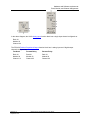
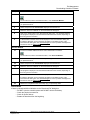
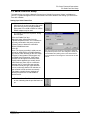
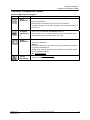
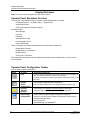
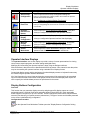
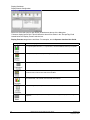
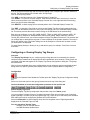
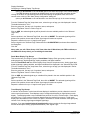
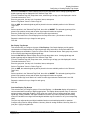
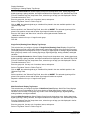
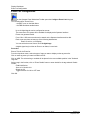
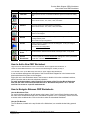
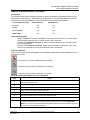
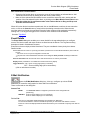
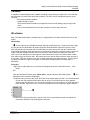
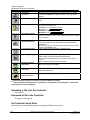
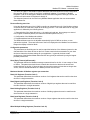
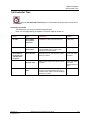
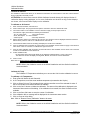
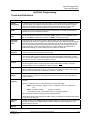
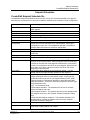
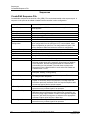
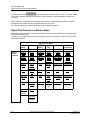
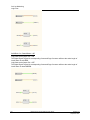
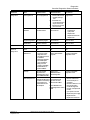
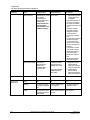
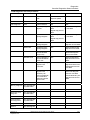
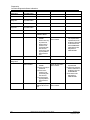
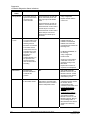
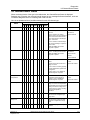
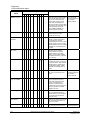
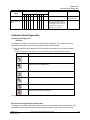
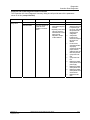
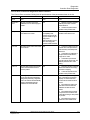
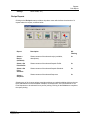
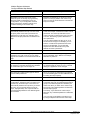
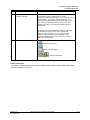
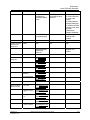
ICON
Function
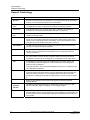
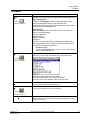
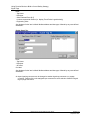
Find Item
Dialog Box Comments
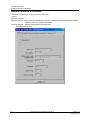
Allows you find an Item on the FBD worksheet. Opens the "Find Item" dialog
box.
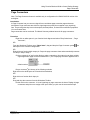
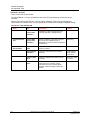
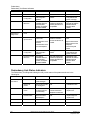
Zoom Out
You can "zoom out" to see more of the page at a reduced size.
Zoom levels of 50%, 75%, 100%, 125%, and 150%.
Zoom In
You can "zoom in" to return items to normal size.
Zoom levels of 50%, 75%, 100%, 125%, and 150%.
Grid
Lets you place a grid in the FBD Diagram. This can aid in the placement of
items on the diagram.
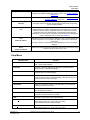
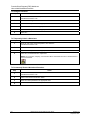
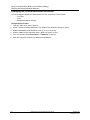
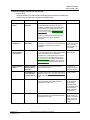
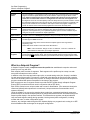
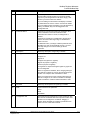
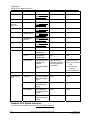
Alarms
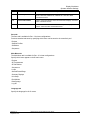
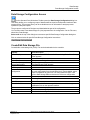
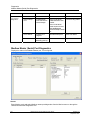
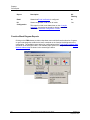
Click to open the "Alarms Group Configuration" Dialog Box. It lets you
configurealarm points.
See "Alarm Group Configuration"
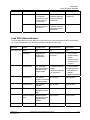
Events
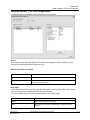
Click to open the "Configure Event List" Dialog Box. It lets you configure
events in the controller.
See "Event List Configuration"
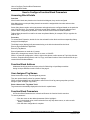
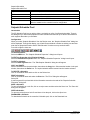
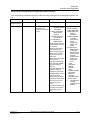
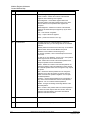
Block Tag
Order
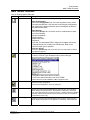
Click to show drop down menu. Lets you changethe execution order of the
function blocks. Select Execution Order, Fast Logic Order, or Tag Order.
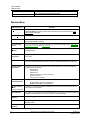
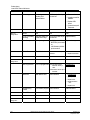
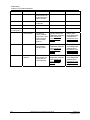
Unlock
Worksheets
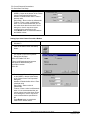
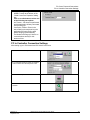
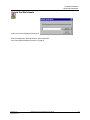
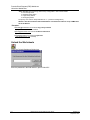
Click to open the "Unlock Worksheets" dialog box. Enter a password
and click "Unlock" to unlock all worksheets.
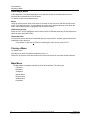
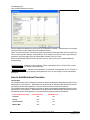
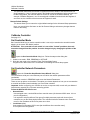
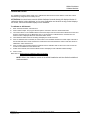
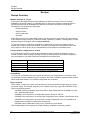
How to Add a New FBD Worksheet
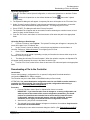
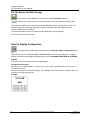
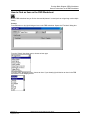
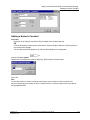
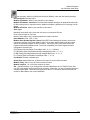
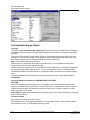
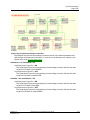
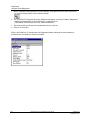
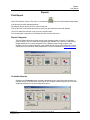
Right click on the FBD Worksheet name on the Browser. Select "Append New Worksheet", or
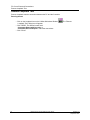
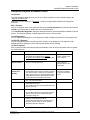
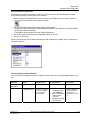
Select the "New FBD Worksheet" icon on the Function Block Diagram Toolbar (far left), or
From the Edit menu on the Main Drop-down menus, select "Append New Worksheet".
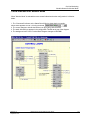
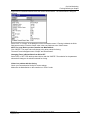
A new worksheet will appear at the bottom of the Function Block Diagram list in the browser and a
blank worksheet will be place on the Designer.
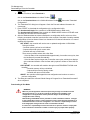
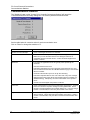
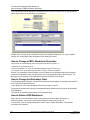
Right click on the new Worksheet name in the browser or double-click on the worksheet's tab then,
select Properties and set the new worksheet properties.
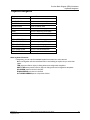
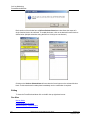
For each worksheet added, a tab will appear at the bottom of the Function Block Worksheet
area with the name of the worksheet that was set in "Worksheet Properties" on it. Use the
scroll bar for access to a specific worksheet tab.
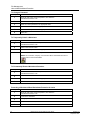
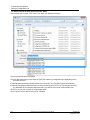
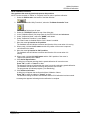
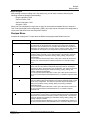
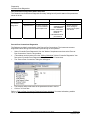
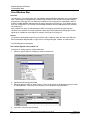
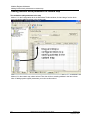
How to Navigate Between FBD Worksheets
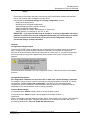
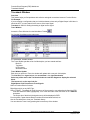
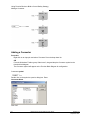
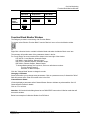
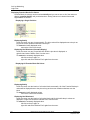
Use the Worksheet Tabs
For each worksheet added, a tab will appear at the bottom of the Function Block Worksheet area with
the name of the worksheet that was set in "Worksheet Properties" on it. If necessary, use the scroll bar
to access other worksheet tabs. Click on the tab to select the associated Worksheet.
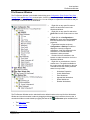
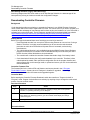
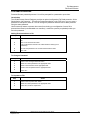
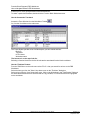
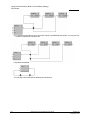
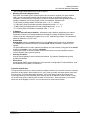
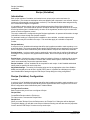
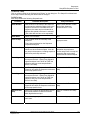
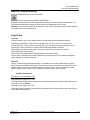
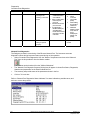
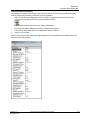
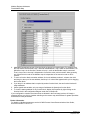
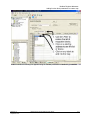
Use the File Browser
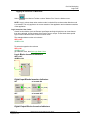
The File Browser, located on the top left side of the Worksheet, is a movable window listing opened
files.
Revision 15
September 2013
HC900 Process Control Designer User Guide
93