1
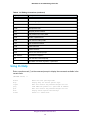
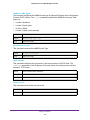
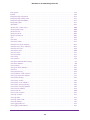
M4100 Series ProSAFE Managed Switches
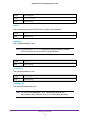
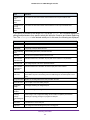
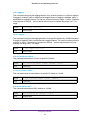
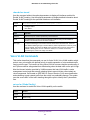
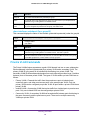
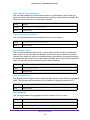
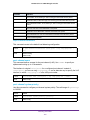
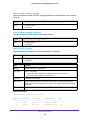
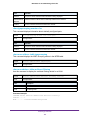
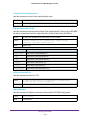
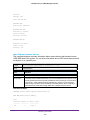
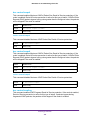
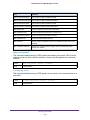
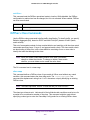
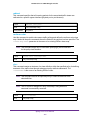
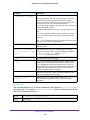
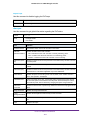
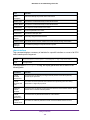
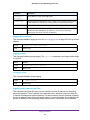
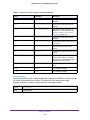
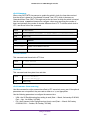
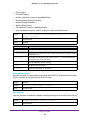
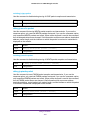
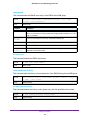
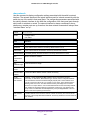
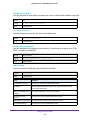
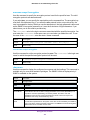
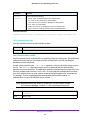
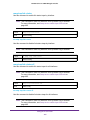
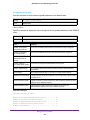
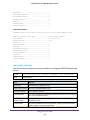
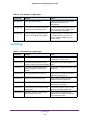
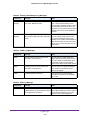
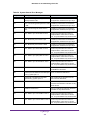
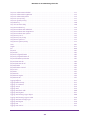
0/3
0/4
0/5
0/6
0/7
0/8
0/9
0/10
0/11
0/12
0/13
0/14
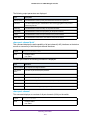
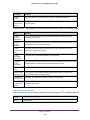
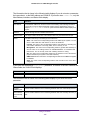
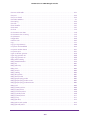
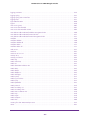
Down
Down
Down
Down
Down
Down
Down
Down
Down
Down
Down
Down
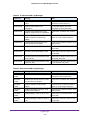
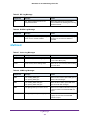
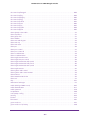
Disabled
Disabled
Disabled
Disabled
Disabled
Disabled
Disabled
Disabled
Disabled
Disabled
Disabled
Disabled
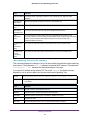
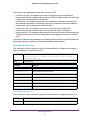
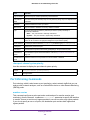
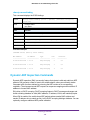
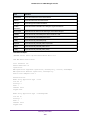
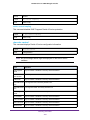
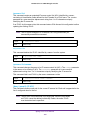
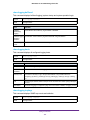
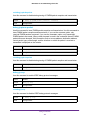
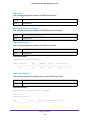
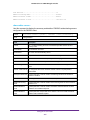
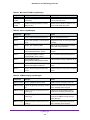
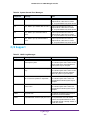
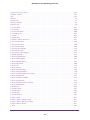
TLV Codes: 0- Capabilities,
2- Location,
4- Extended Pd,
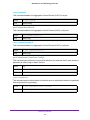
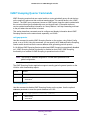
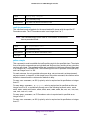
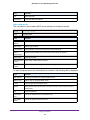
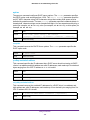
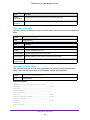
Disabled
Disabled
Disabled
Disabled
Disabled
Disabled
Disabled
Disabled
Disabled
Disabled
Disabled
Disabled
Disabled
Disabled
Disabled
Disabled
Disabled
Disabled
Disabled
Disabled
Disabled
Disabled
Disabled
Disabled
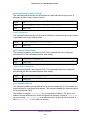
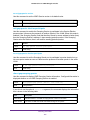
0,1
0,1
0,1
0,1
0,1
0,1
0,1
0,1
0,1
0,1
0,1
0,1
1- Network Policy
3- Extended PSE
5- Inventory
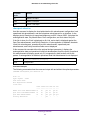
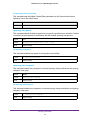
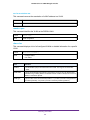
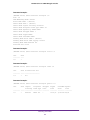
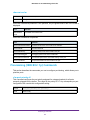
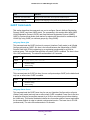
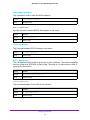
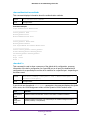
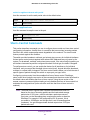
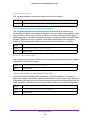
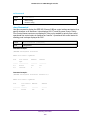
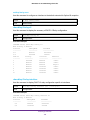
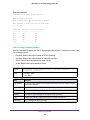
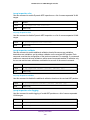
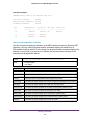
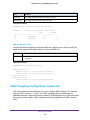
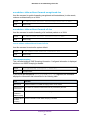
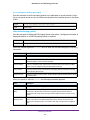
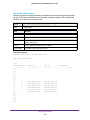
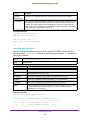
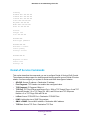
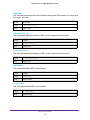
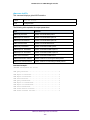
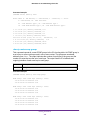
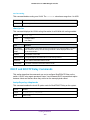
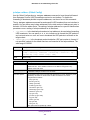
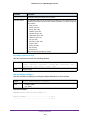
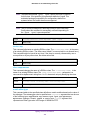
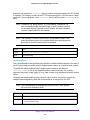
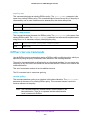
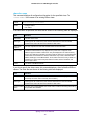
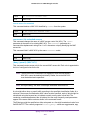
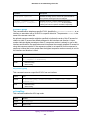
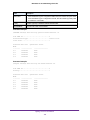
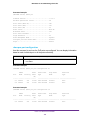
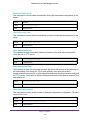
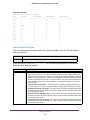
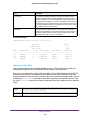
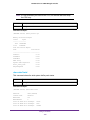
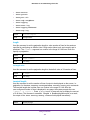
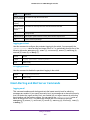
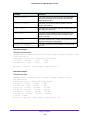
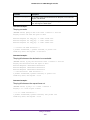
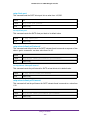
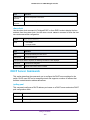
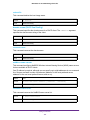
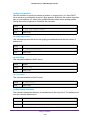
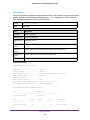
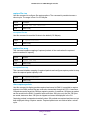
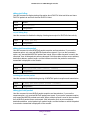
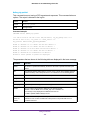
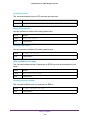
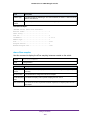
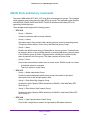
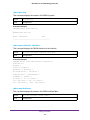
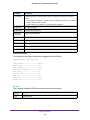
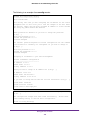
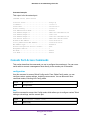
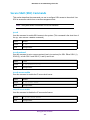
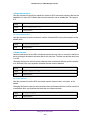
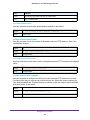
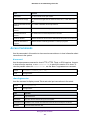
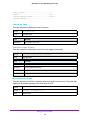
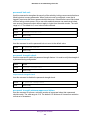
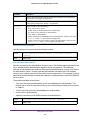
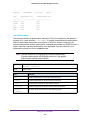
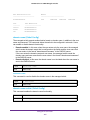
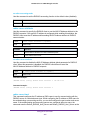
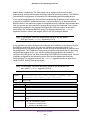
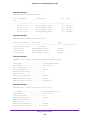
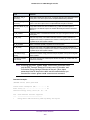
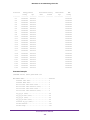
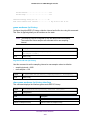
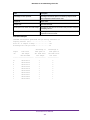
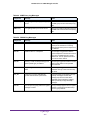
Command example:
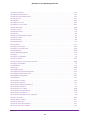
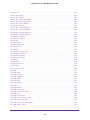
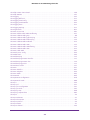
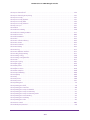
(NETGEAR Switch) #show lldp med interface 0/2
Interface
--------0/2
Link
-----Up
configMED operMED
--------- -------Disabled Disabled
TLV Codes: 0- Capabilities,
2- Location,
4- Extended Pd,
ConfigNotify TLVsTx
------------ ----------Disabled
0,1
1- Network Policy
3- Extended PSE
5- Inventory
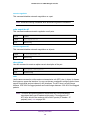
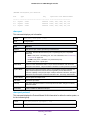
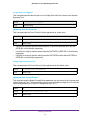
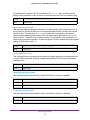
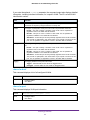
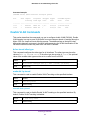
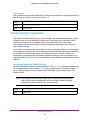
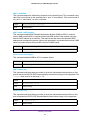
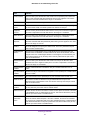
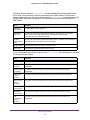
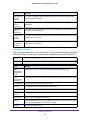
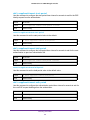
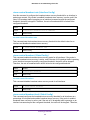
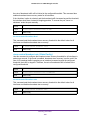
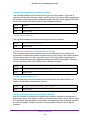
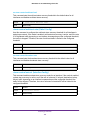
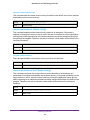
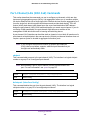
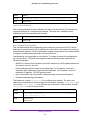
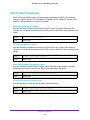
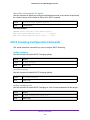
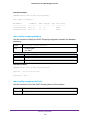
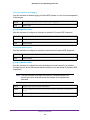
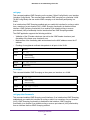
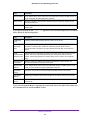
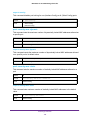
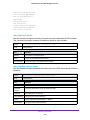
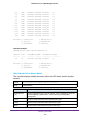
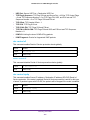
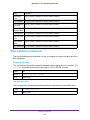
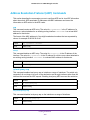
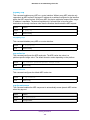
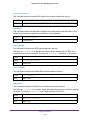
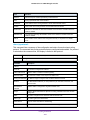
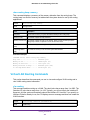
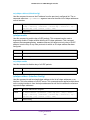
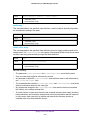
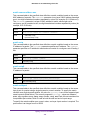
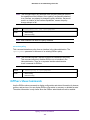
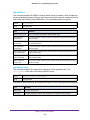
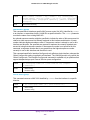
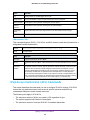
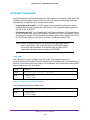
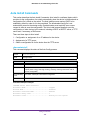
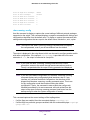
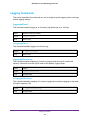
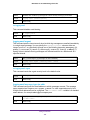
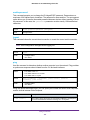
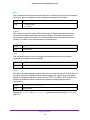
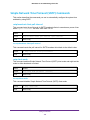
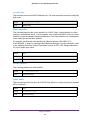
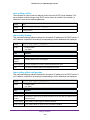
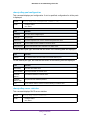
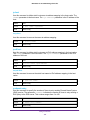
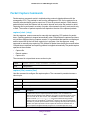
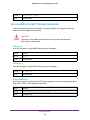
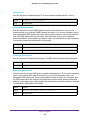
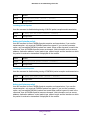
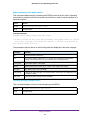
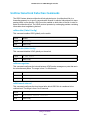
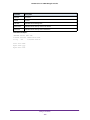
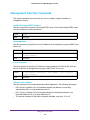
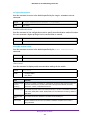
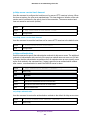
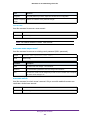
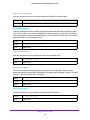
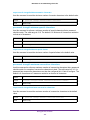
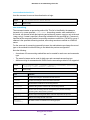
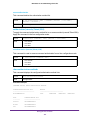
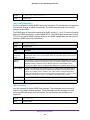
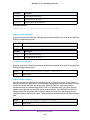
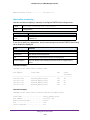
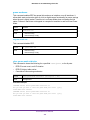
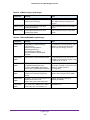
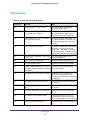
show lldp med local-device detail
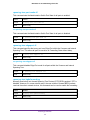
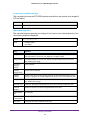
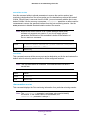
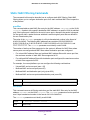
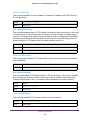
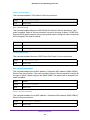
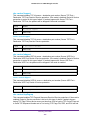
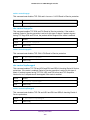
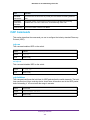
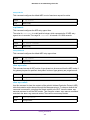
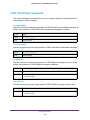
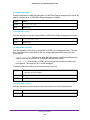
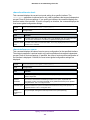
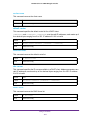
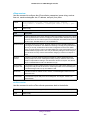
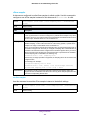
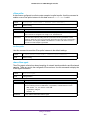
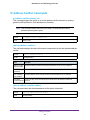
This command displays detailed information about the LLDP data a specific interface
transmits.
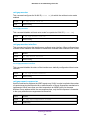
Format
show lldp med local-device detail <slot/port>
Mode
Privileged EXEC
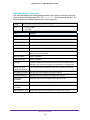
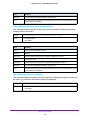
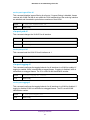
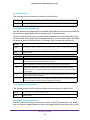
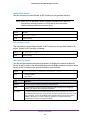
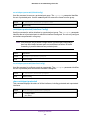
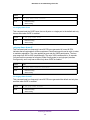
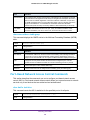
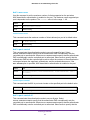
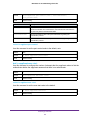
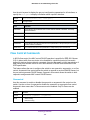
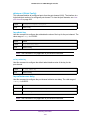
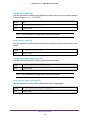
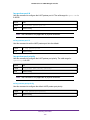
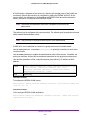
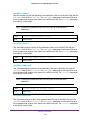
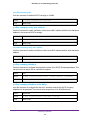
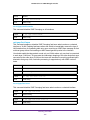
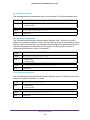
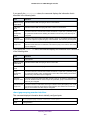
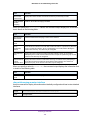
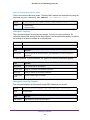
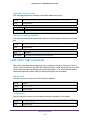
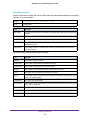
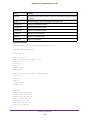
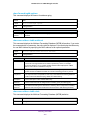
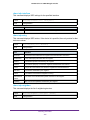
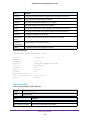
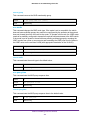
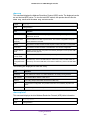
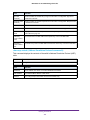
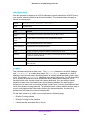
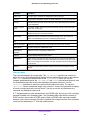
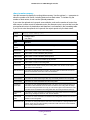
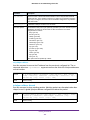
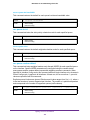
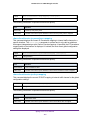
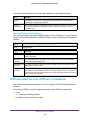
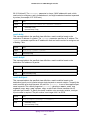
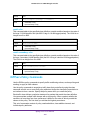
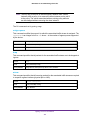
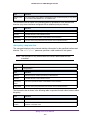
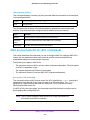
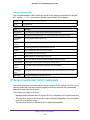
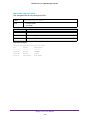
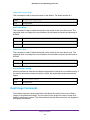
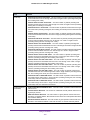
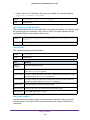
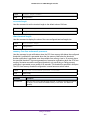
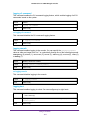
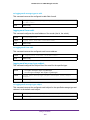
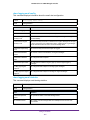
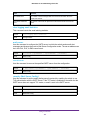
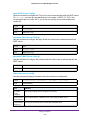
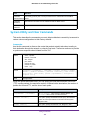
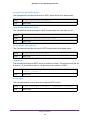
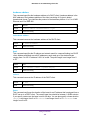
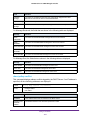
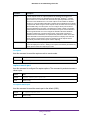
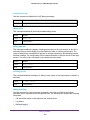
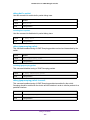
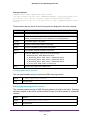
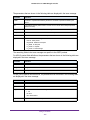
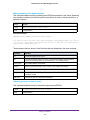
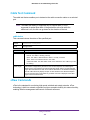
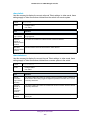
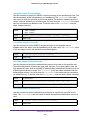
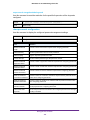
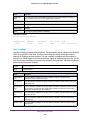
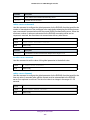
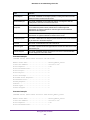
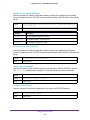
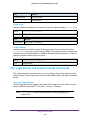
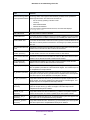
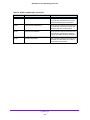
Term
Definition
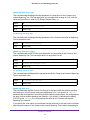
Media Application
Type
Shows the application type. Types are unknown, voice, voicesignaling, guestvoice,
guestvoicesignaling, sfotphonevoice, videoconferencing, streamingvideo,
videosignaling.
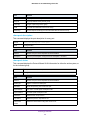
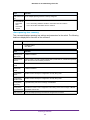
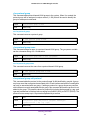
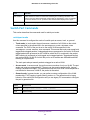
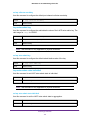
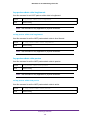
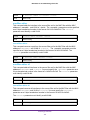
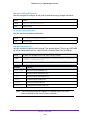
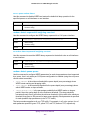
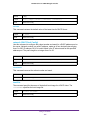
Vlan ID
Shows the VLAN id associated with a particular policy type
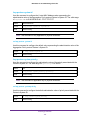
Priority
Shows the priority associated with a particular policy type.
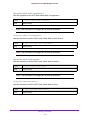
DSCP
Shows the DSCP associated with a particular policy type.
Switching Commands
196