1
Using the TWAIN driver of the digital presenter
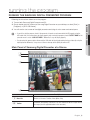
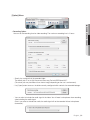
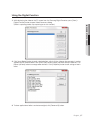
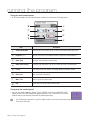
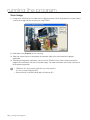
2. Select the TWAIN driver in the graphic application program.
1) For Adobe Photoshop
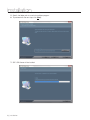
Move to [File] ; [Import] and select Samsung Digital Presenter.
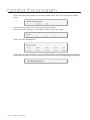
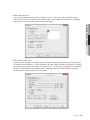
2) For Microsoft Office Word 2003
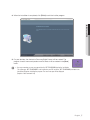
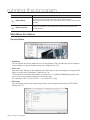
Select [Insert] ; [Picture] ; [Insert Picture from Scanner or Camera].
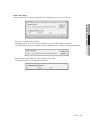
Select Samsung Digital Presenter, and press [Custom Insert].
3) For other applications supporting the TWAIN driver, refer to the user manual of the applicable
application program.
English _25
● Running the program
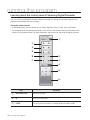
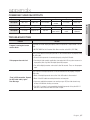
1. If you want to use the TWAIN driver of the digital presenter, the following system requirements should
be met:
•• Install the driver specific to the digital presenter TWAIN (provided in the installation CD)
•• Graphic application program in compliance with TWAIN (ex: Photoshop, ACDSEE, MS Office, etc)
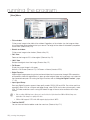
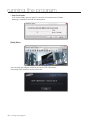
•• Device Menu: CONFIGURATION ; USB TWAIN ; ENABLED
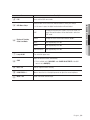
`` If USB TWAIN is not set to ENABLED, the video will not be played properly.
If you install the TWAIN Driver, be sure to set the USB TWAIN option to ENABLED.