1
Before Starting Calculations...
1-1
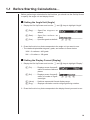
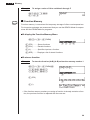
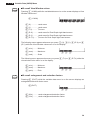
k Inputting Calculations
When you are ready to input a calculation, first press Ato clear the display. Next,
input your calculation formulas exactly as they are written, from left to right, and
press w to obtain the result.
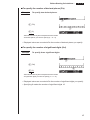
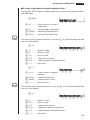
Example 1
2 + 3 – 4 + 10 =
Ac+d-e+baw
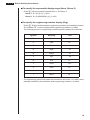
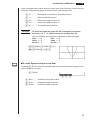
Example 2
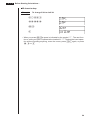
2(5 + 4) ÷ (23 × 5) =
Ac(f+e)/
(cd*f)w
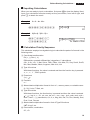
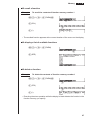
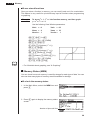
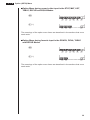
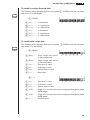
k Calculation Priority Sequence
This calculator employs true algebraic logic to calculate the parts of a formula in the
following order:
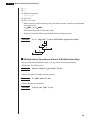
1 Coordinate transformation
Pol (x, y), Rec (r, θ )
Differentials, quadratic differentials, integrations, Σ calculations
d/dx, d2/dx2, ∫dx, Σ, Mat, Solve, FMin, FMax, List→Mat, Fill, Seq, SortA, SortD,
Min, Max, Median, Mean, Augment, Mat→List, List
2 Type A functions
With these functions, the value is entered and then the function key is pressed.
x2, x–1, x !, ° ’ ”, ENG symbols
3 Power/root
^(xy), x
4 Fractions
a b /c
5 Abbreviated multiplication format in front of π, memory name, or variable name.
2π, 5A, X min, F Start, etc.
6 Type B functions
With these functions, the function key is pressed and then the value is entered.
, 3 , log, In, ex, 10x, sin, cos, tan, sin–1 , cos–1 , tan–1 , sinh, cosh, tanh, sinh–1 ,
cosh–1 , tanh–1 , (–), parenthesis, d, h, b, o, Neg, Not, Det, Trn, Dim, Identity, Sum,
Prod, Cuml, Percent
7 Abbreviated multiplication format in front of Type B functions
2 3 , A log2, etc.
8 Permutation, combination
nPr, nCr
19