1
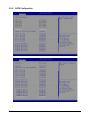
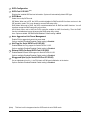
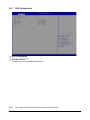
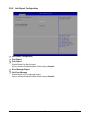
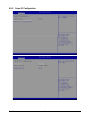
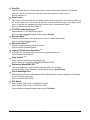
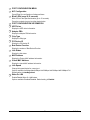
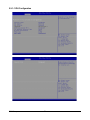
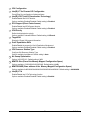
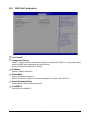
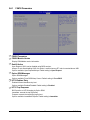
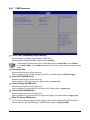
5-5-1 BMC LAN Configuration
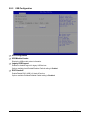
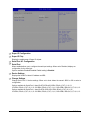
Lan Channel 1
Configuration Source
Select to configure LAN channel parameters statically or dynamically (DHCP). Do nothing option willnot
modify any BMC network parameters during BIOS phase.
Options available: Static/Dynamic/Do Nothing.
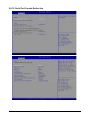
IP Address
Display IP Address information.
Subnet Mask
Display Subnet Mask information.
Please note that the IP address must be in three digitals, for example, 192.168.000.001.
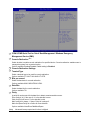
Default Gateway Address
Display Default Gateway Address information.
Load BMC IP
Press [Enter] to load BMC IP.
- 87 -
BIOS Setup