1
60
Chapter 3
System Software
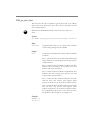
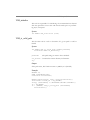
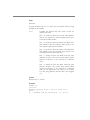
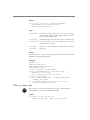
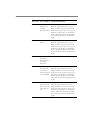
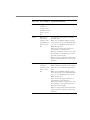
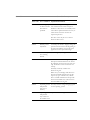
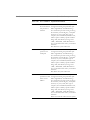
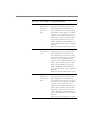
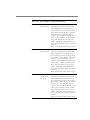
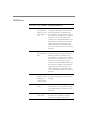
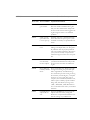
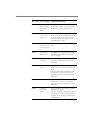
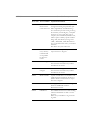
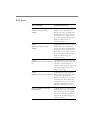
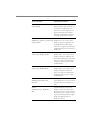
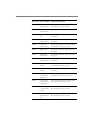
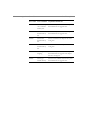
you to mount the requested volume, and if it is not, an
error message is displayed.
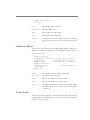
Minimum value: 30 seconds
Maximum value: 65535 (infinite wait)
Default: 0 seconds (request fails immediately)
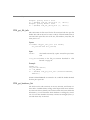
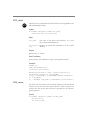
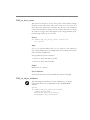
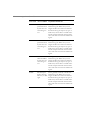
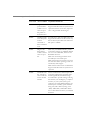
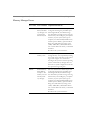
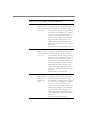
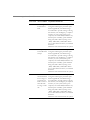
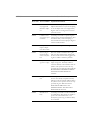
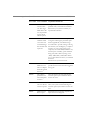
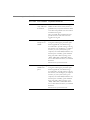
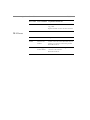
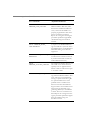
REQUEST
WAIT TIME
The maximum amount of time in seconds that a user
request waits for a drive to become available, before
InveStore returns a request failure error to the user. The
user request might be a request to read or write or some
other form of physical disk access such as “make directory” to/from optical disk. Any request that exceeds the
request wait time is terminated with an error.
Minimum value: 30 seconds
Maximum value: 65535 (infinite wait)
Default: 300 seconds
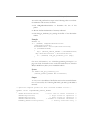
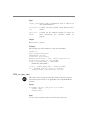
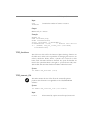
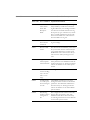
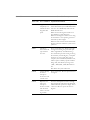
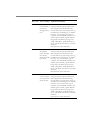
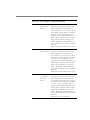
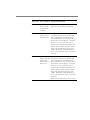
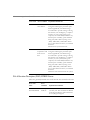
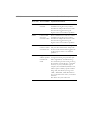
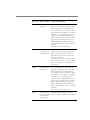
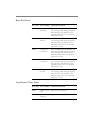
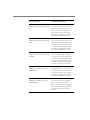
PRIORITY
WAIT TIME
The amount of time in seconds that a request waits
before it is moved to the high priority queue.
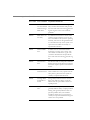
Minimum value: 15 seconds
Maximum value: 65535 (never move to higher priority)
Default: 30 seconds
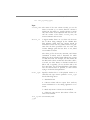
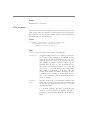
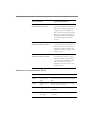
LOCK TIME
The minimum (or maximum) amount of time in seconds a volume remains in the drive before it can be
swapped out by another request.
Minimum value: 15 seconds; Maximum value: 65535
(continuous lock during requests); Default: 60 seconds
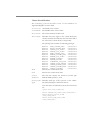
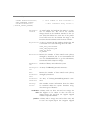
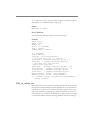
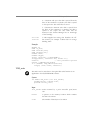
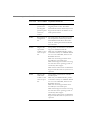
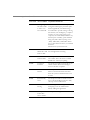
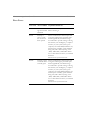
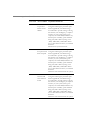
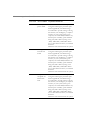
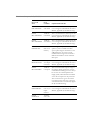
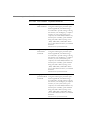
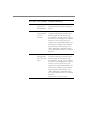
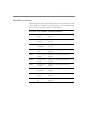
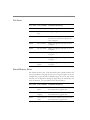
HOLD TIME
The minimum amount of time that a disk will remain in
a drive after the last request was received for that
disk.Valid Range: 1 second – 30 seconds
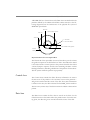
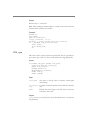
Default: 2 seconds. The following example is for a hold